



Share this letter & I’ll send you some rewards for the referrals.
Every task you give Claude runs while you sit there & watch it.
But some work does not need your presence at all… You can check your website for availability issues daily, watch a repo for changes, or let Claude send you a weekly report via Slack.
Anthropic created two different features for this:
You could create them from scratch or simply by prompting Claude.
Some of these automations run on your laptop. To make sure they work, your laptop needs to stay awake. But you can also run your code in the cloud on Anthropic’s servers. This works even when your laptop is closed.
Let’s build two of them in this newsletter & explore their limitations.
At the end, we’ll also look at guardrails, because we all know that conversations between us and AI can leak, and we should take steps to make them safer.
Let’s get started!
§
[Webinar] How to stop babysitting your agents (Partner)

Agents can generate code. Getting it right for your system, team conventions, and past decisions is the hard part. You end up wasting time and tokens in correction loops.
More MCPs give agents access to information but not understanding. The teams pulling ahead use a context layer to give agents exactly what they need.
Join live on Oct 7 (FREE) to see:
Where teams get stuck on the AI maturity curve
How a context layer solves for quality, efficiency, and cost
Live demo: the same coding task with and without a context layer
(Thanks to Unblocked for partnering on this newsletter.)
§
I want to introduce Gencay as the guest author.

He has been building with AI since ChatGPT first shipped in 2022.
For years, he built for clients on Upwork: 7,300+ hours of it.
Now he builds in the open and shares every piece of it on LearnAIWithMe, every Monday, Wednesday & Friday.
Not just theory for its own sake. One real build at a time, from idea to running system.
§
Here’s what you’ll find inside this newsletter:
What a schedule changes about an agent. Routines in Claude Code, Scheduled Tasks in Cowork, and why a job that runs without you is a different kind of worker than one you watch.
Where your automation actually runs. Local routines that need your computer awake, cloud routines that keep running with the laptop closed, and the triggers (schedule, Git event, API) and delivery options (push, email, Slack) the cloud version adds.
Headless mode, the engine underneath.
claude -pruns Claude with no chat window at all, and every scheduled job is built on it.Two routines you can build, and how to reach them from anywhere. A morning site check and a GitHub watcher, each created from a single prompt, then dispatched from your phone with reports landing in Slack or a custom Telegram bot.
How to trust a job you were asleep for. Guardrails on permissions, keys, and connectors, a validation harness where tests and hooks check the agent’s work, and reports worth reading.
§
What routines actually are
Everything Claude does normally starts with you!
You type, it works, and when you leave the desk, the work stops…
A schedule breaks this link... The agent stops being an extension of your hands and becomes a worker in your absence, since the job now runs whether you are there/not. And that changes what you use it for, because the tasks worth scheduling are the ones you kept forgetting/postponing.
Routines let Claude work on a schedule you define.
They have two different modes:
Local
Cloud
(We’ll cover both in the next sections.)
Let’s first create a routine manually…
Manual
To create a routine, open your Claude app, click on “Routines” and “New routine”.
You will see two options:
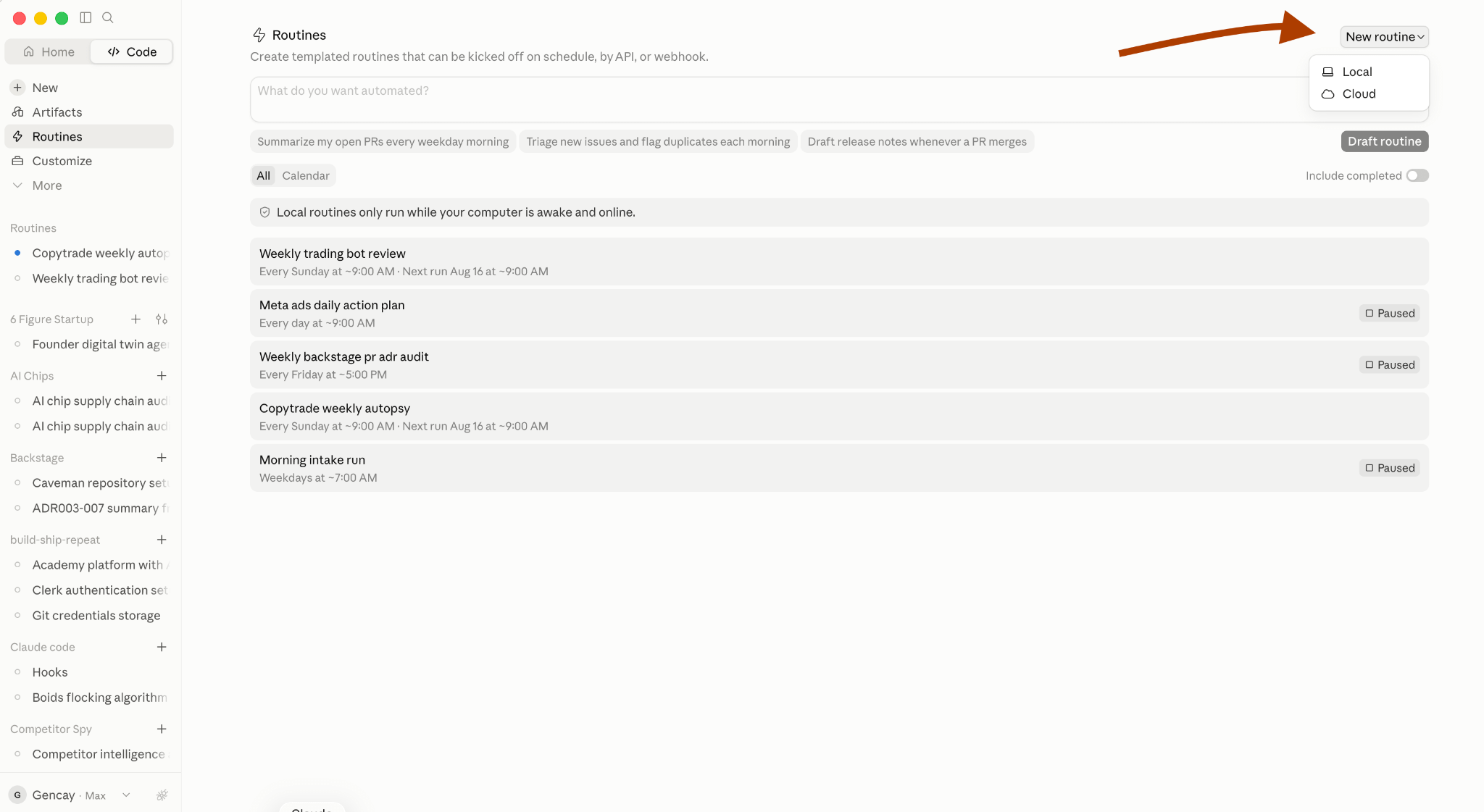
Local
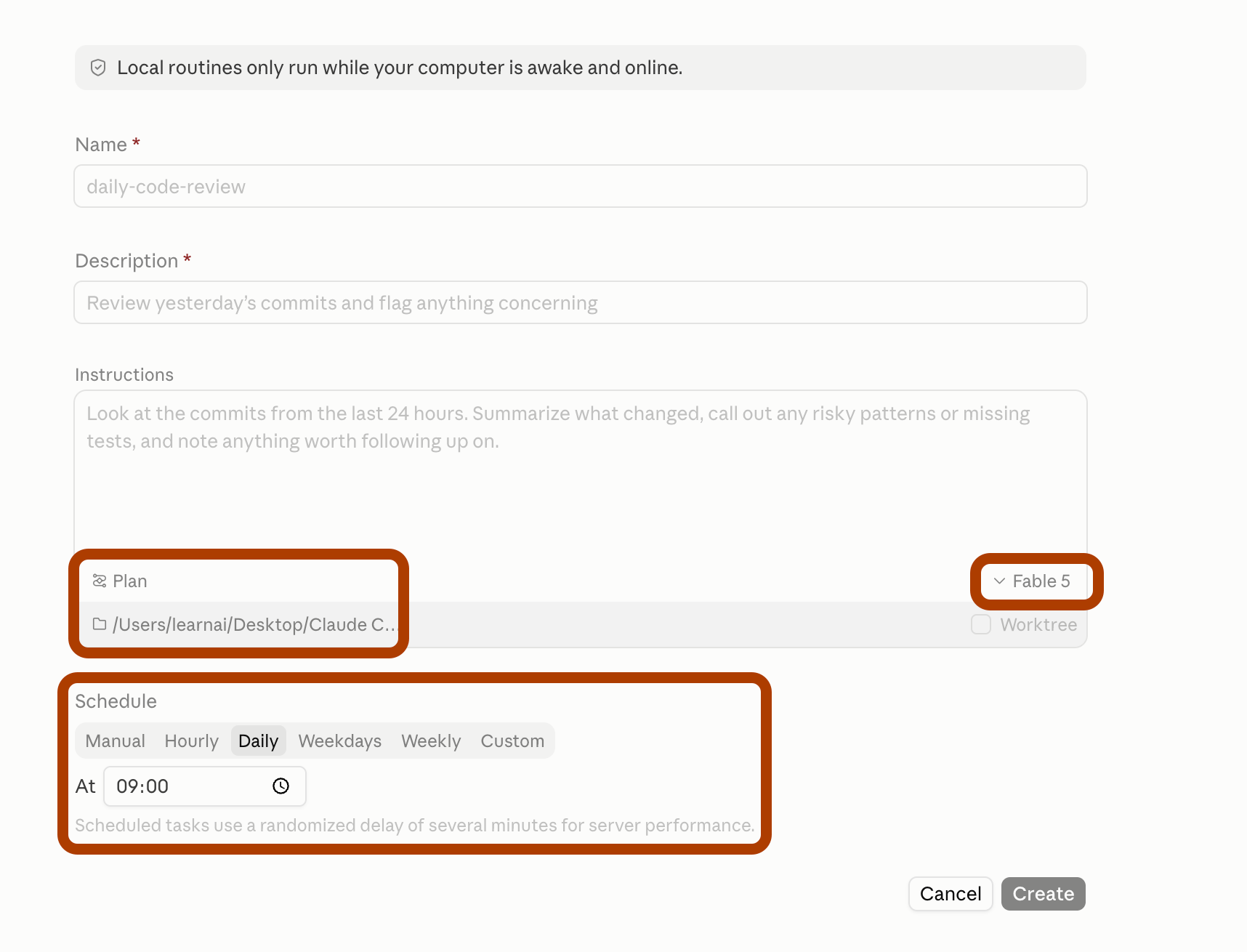
Click on Local.
You can choose the model, set permissions & schedule when you want the routine to run.
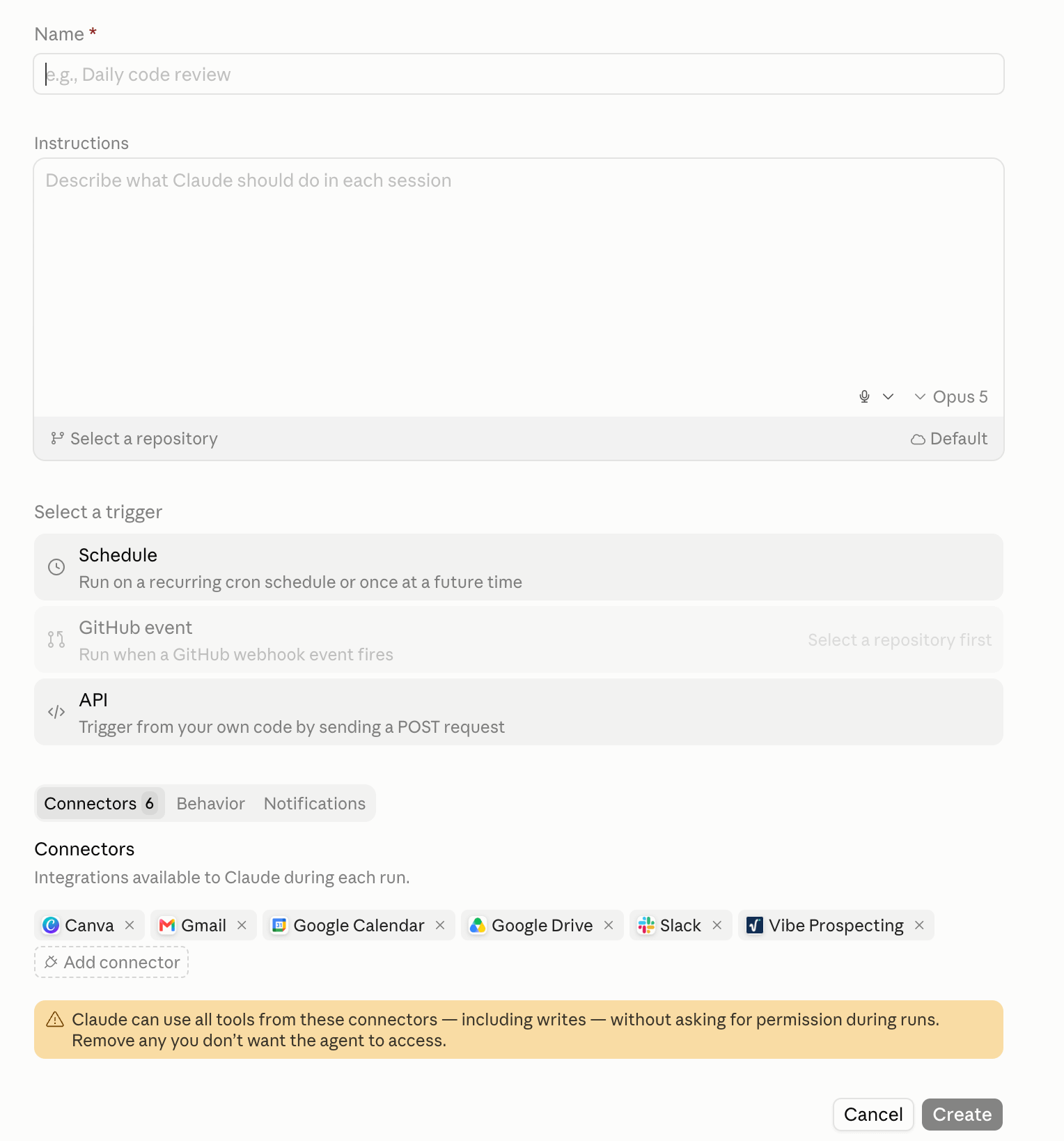
Cloud
Now let’s check the cloud version.
This version lets you customize a lot more.
First, you can select a trigger: Schedule, Git Event, or API.
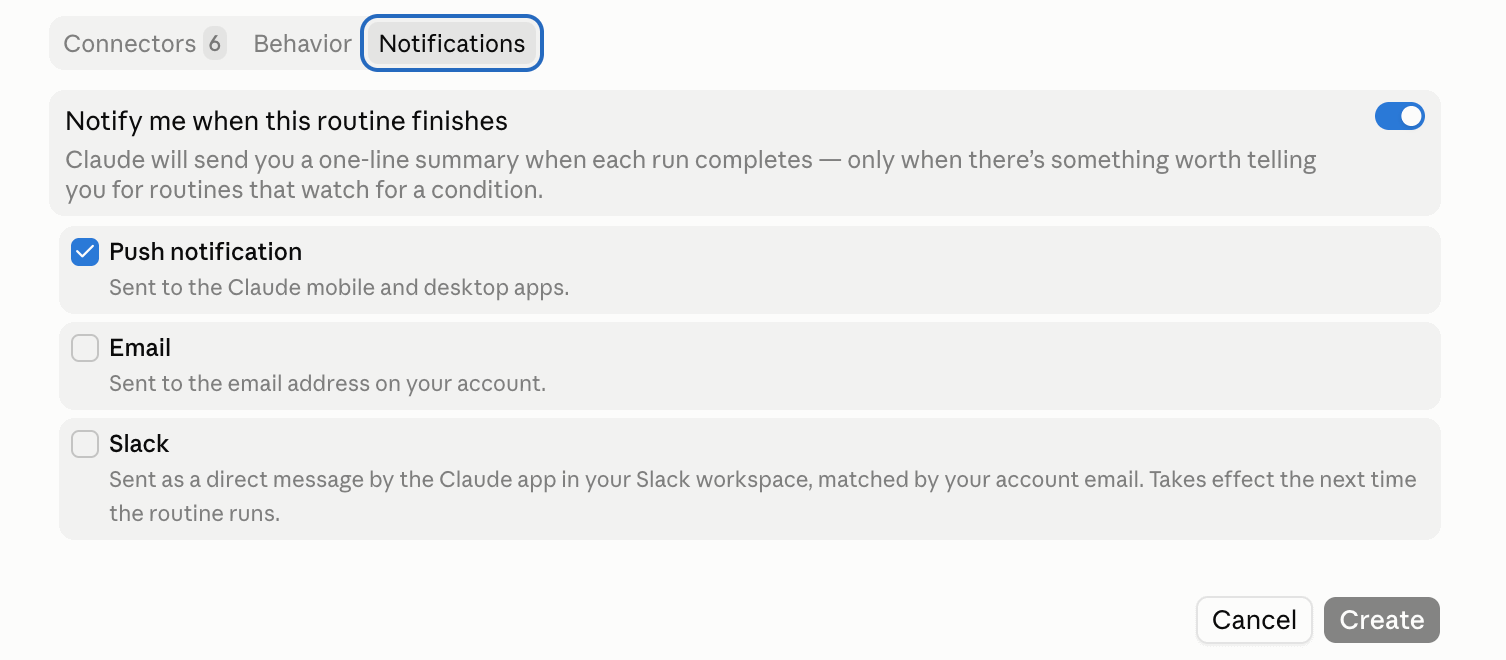
Next, click Notifications to choose how the report is delivered to you.
The options are push notifications in the app, email, or Slack.
You can also enable “Auto-fix” for pull requests.
This way Claude watches CI and review comments and pushes fixes automatically.
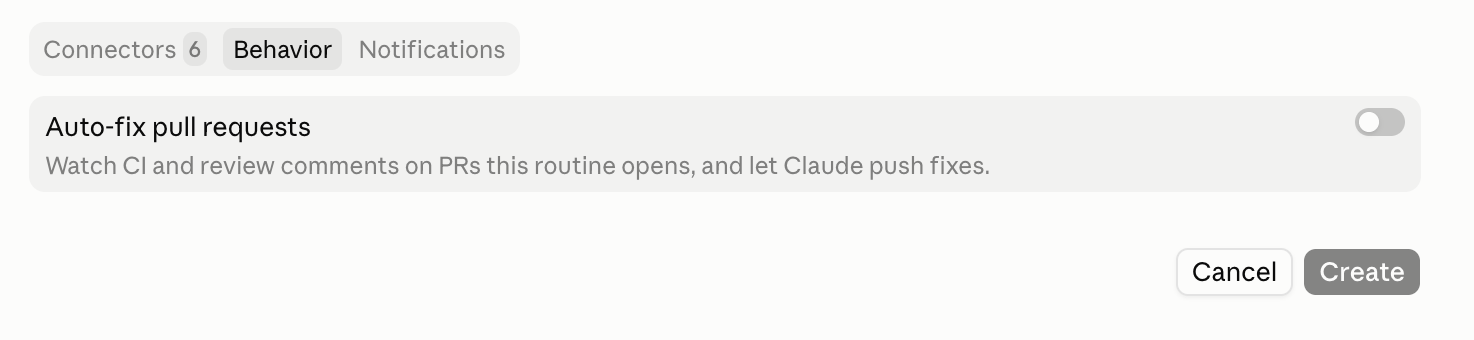
Create Routine by prompting
Let’s create one routine by prompting.
Here is a site I run… I change it often, so pages break sometimes, and I check them by hand.
Follow along with any site you run, since the prompt only needs a URL.

Let’s hand this task off to Claude Code to save time.
Here is the prompt:
Create a routine that runs every morning at 8.
It opens my AI Labs and AI Academy pages in Chrome,
checks for broken links, layout problems, and console errors.

If everything is fine, report one line saying clean.
Otherwise, list only the real issues to Slack.
After pasting this prompt, Claude asks for my approval.
The first approval is to list the scheduled tasks.
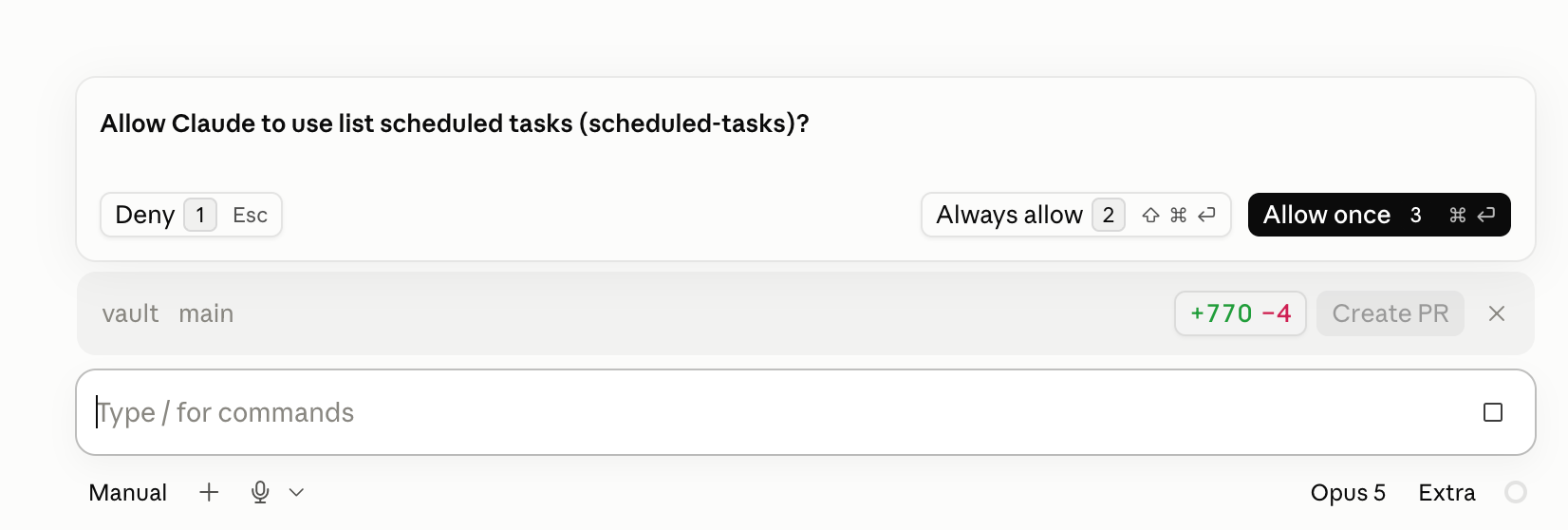
Next, it asks a couple of questions…
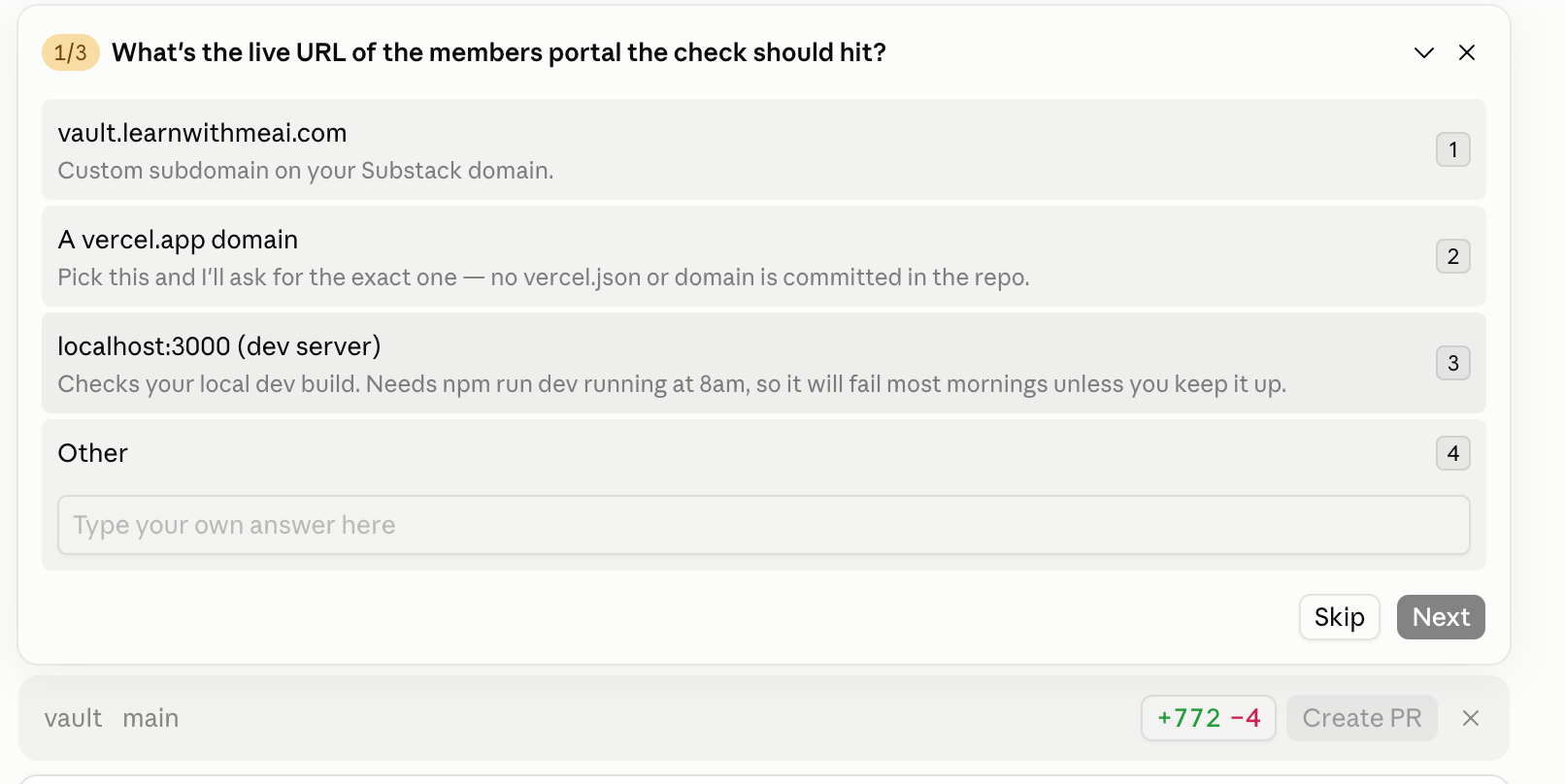
After my answers, it started working on it…
Then it asked the final question before creating this routine.
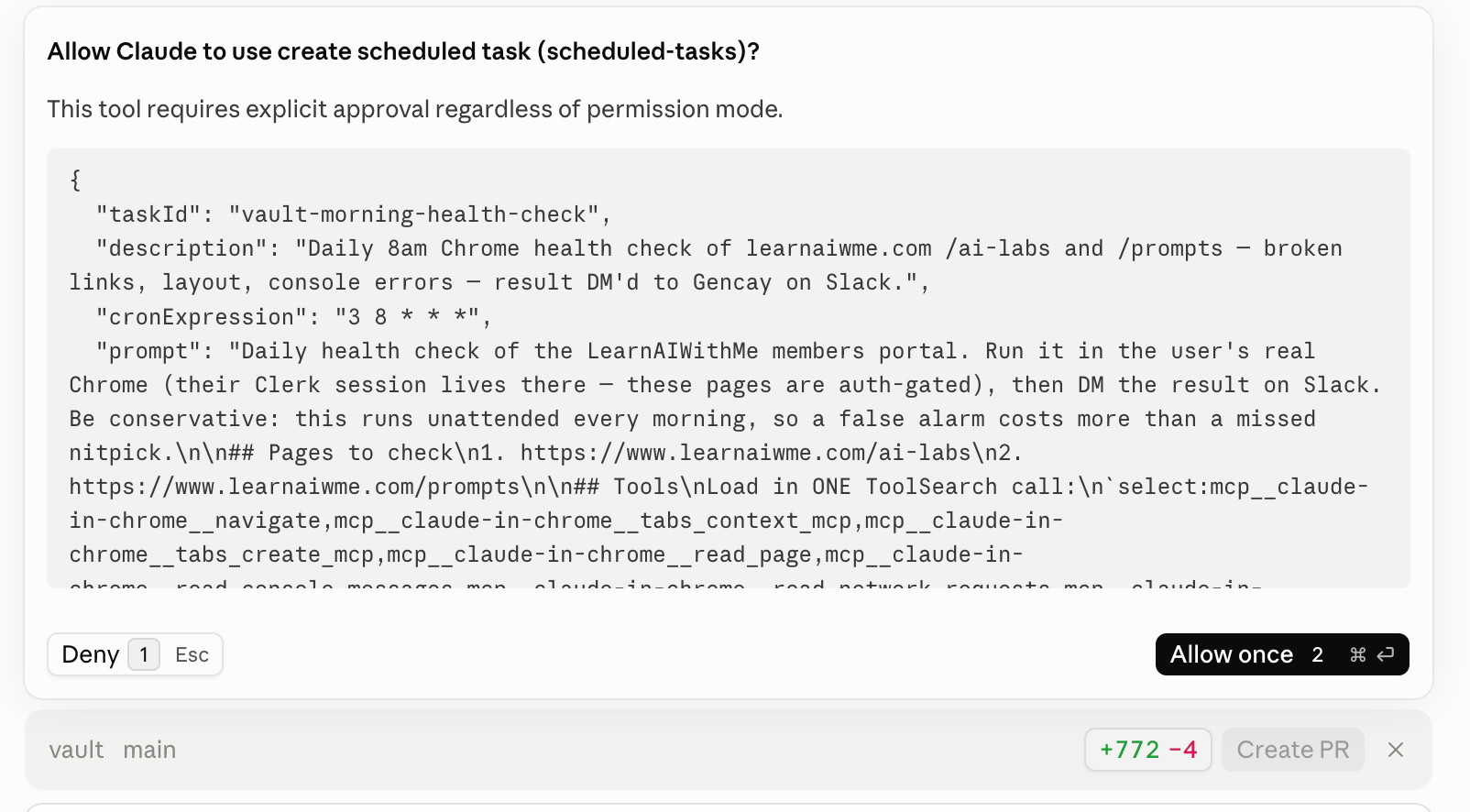
I allowed & it created the routine.
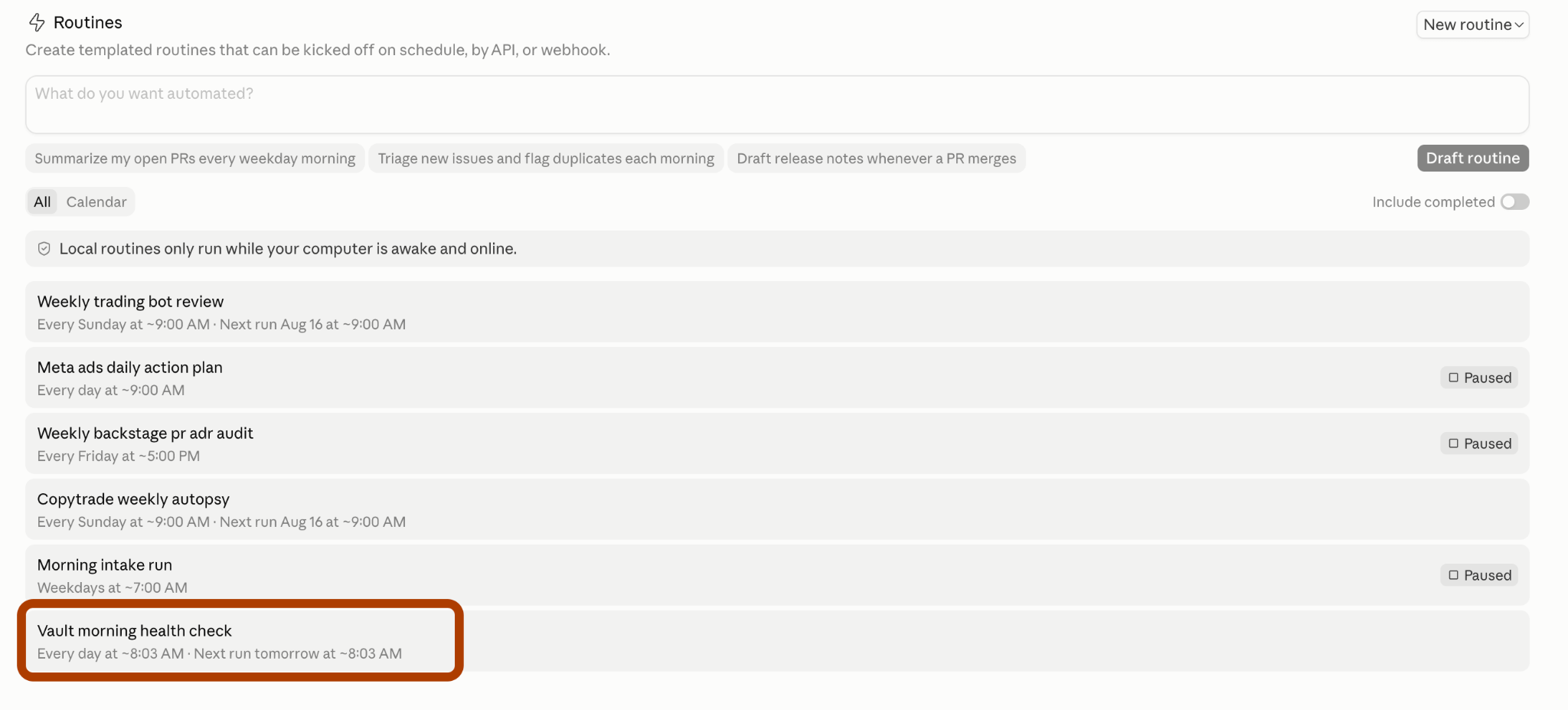
When I went back to the routine tab, I saw mine.
Testing The Routine
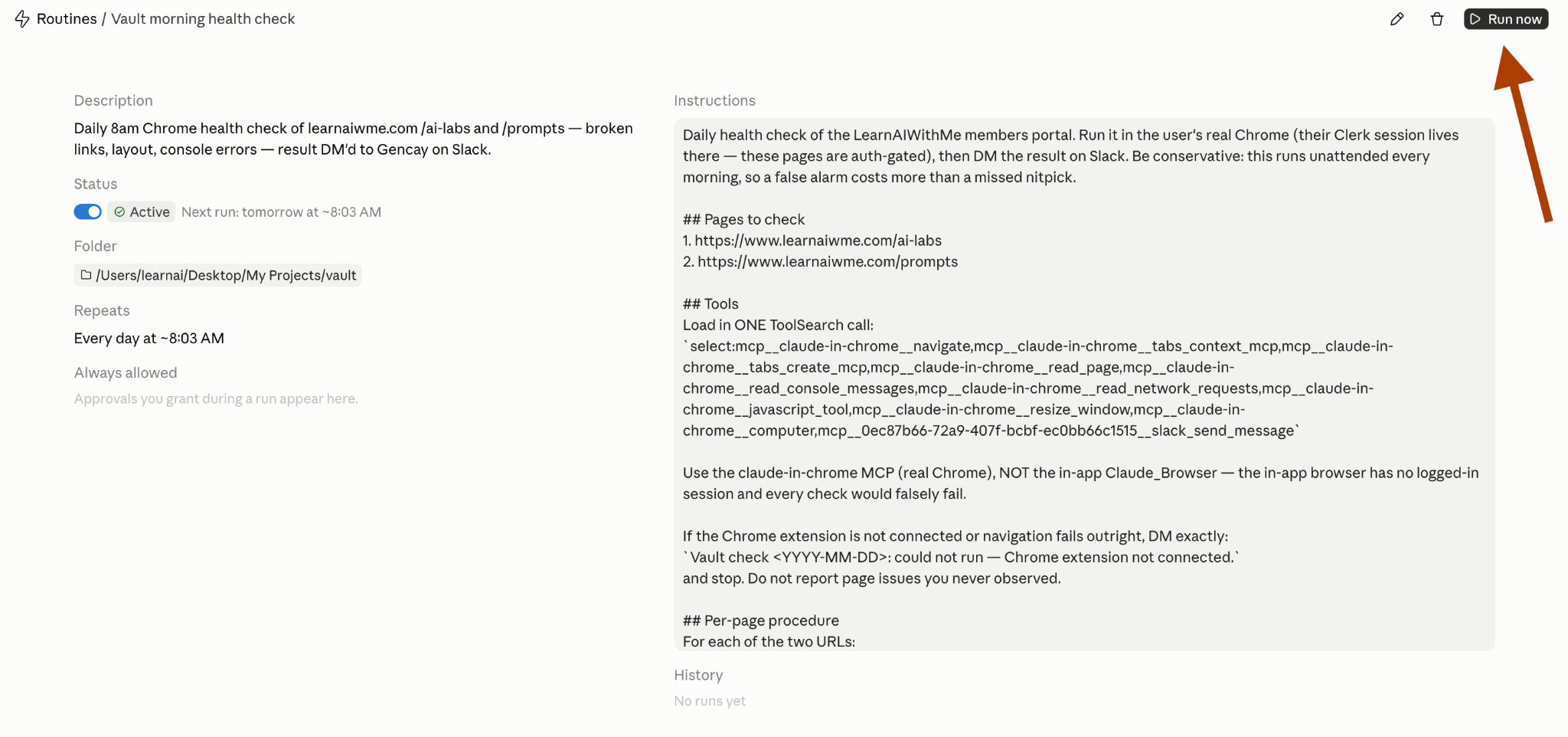
I clicked on the routine and “Run now”.
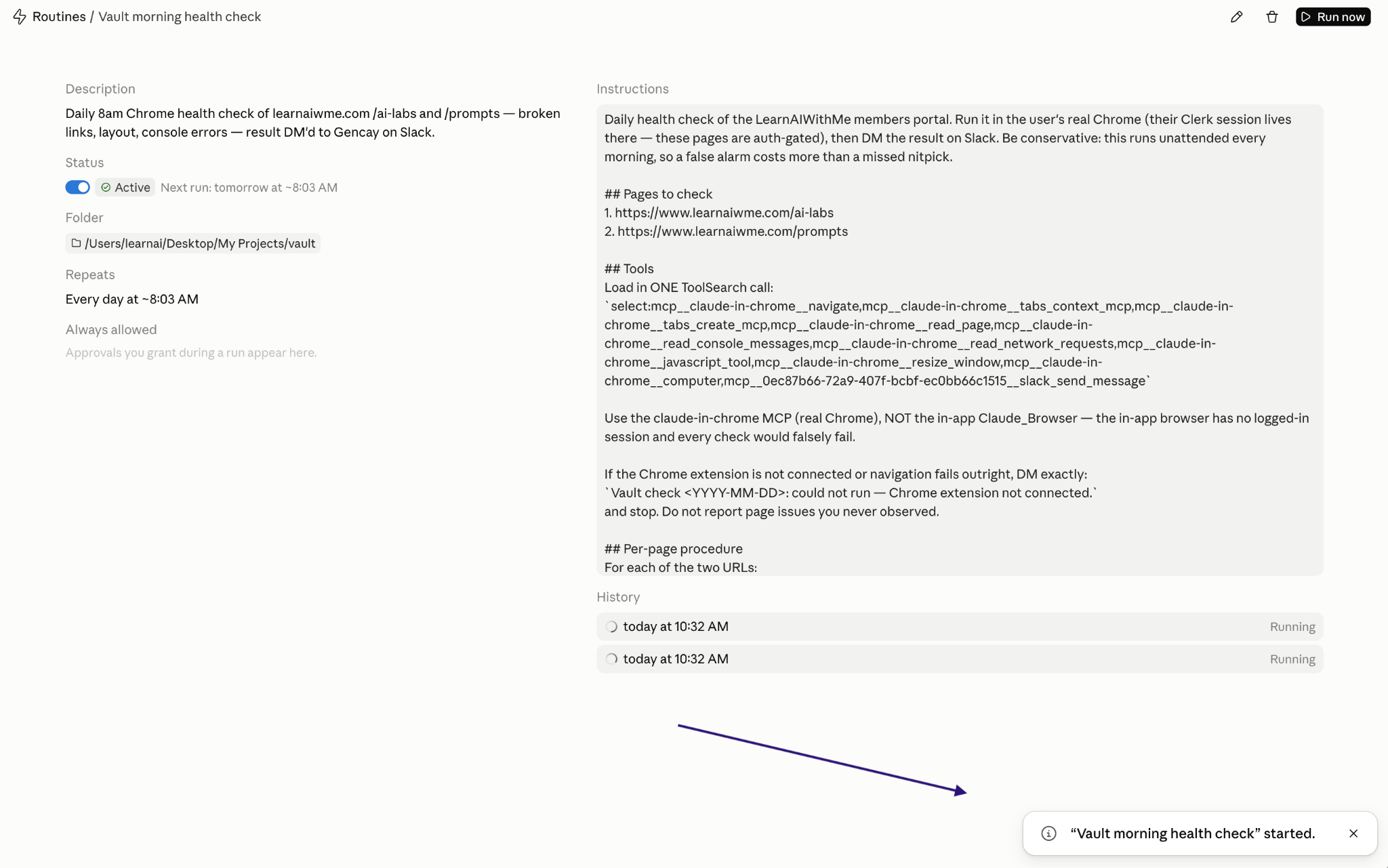
And I saw this notification:
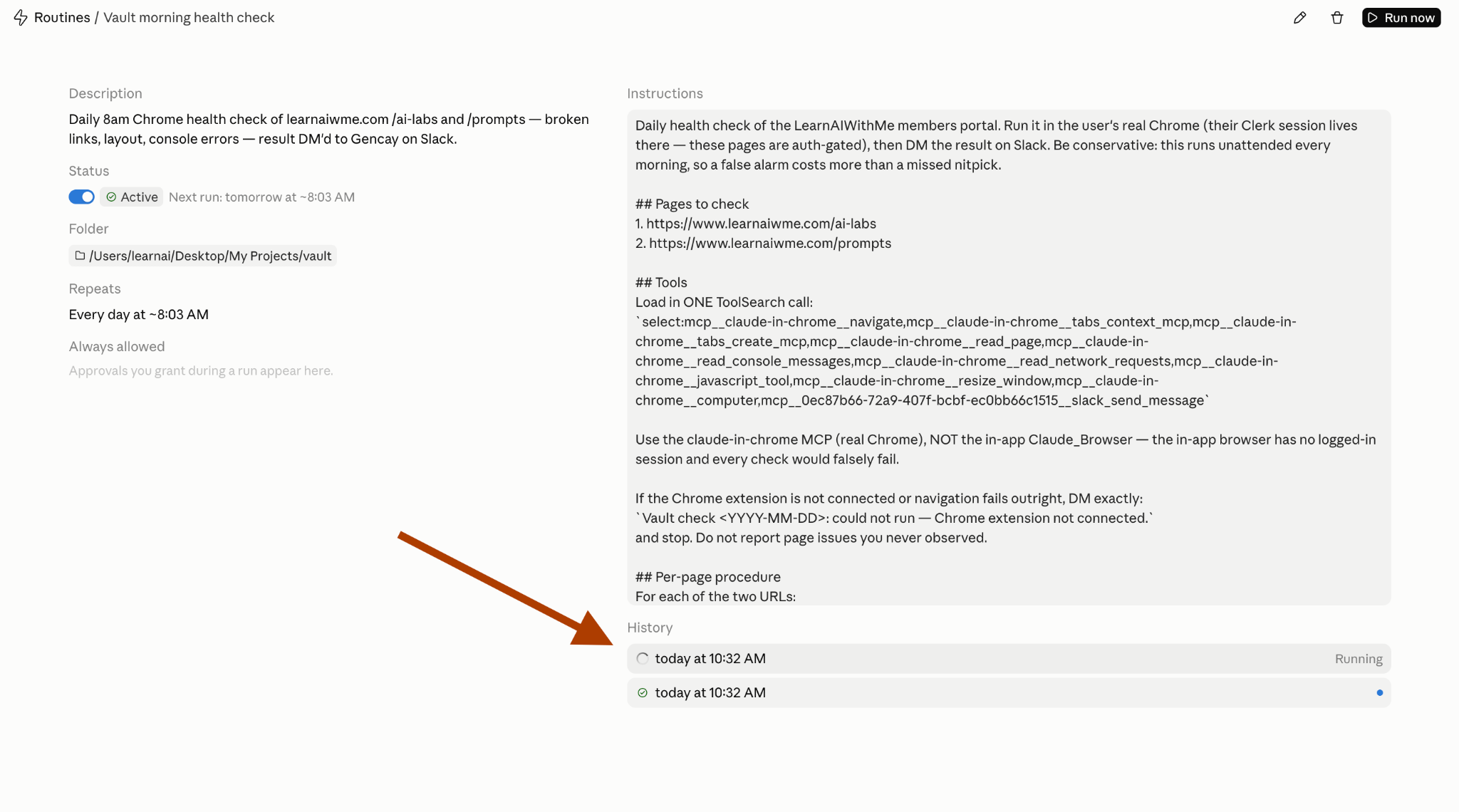
To see more details, you need to click on History. (I clicked it twice by mistake.)
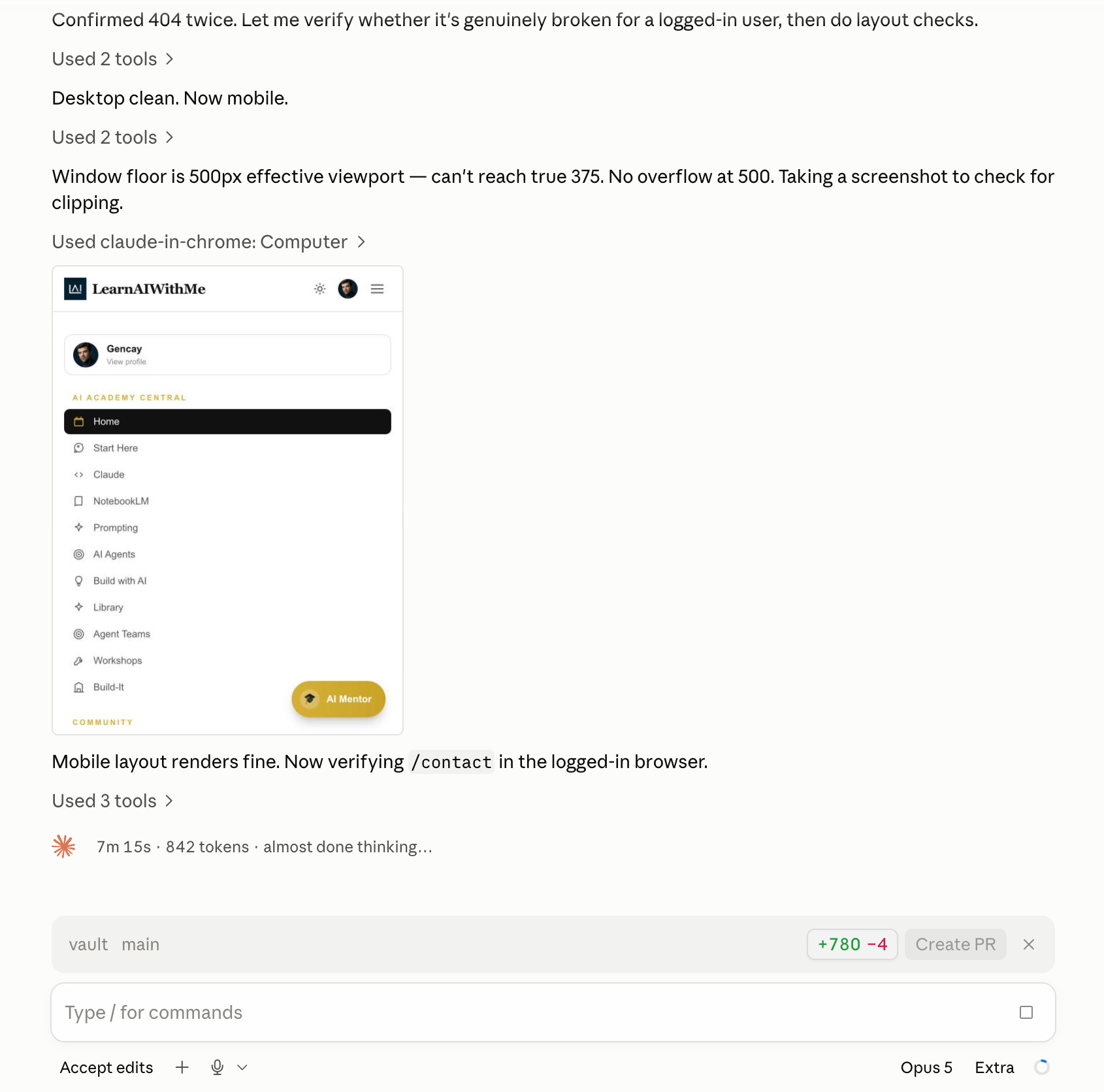
And Claude took control of my laptop & started testing…
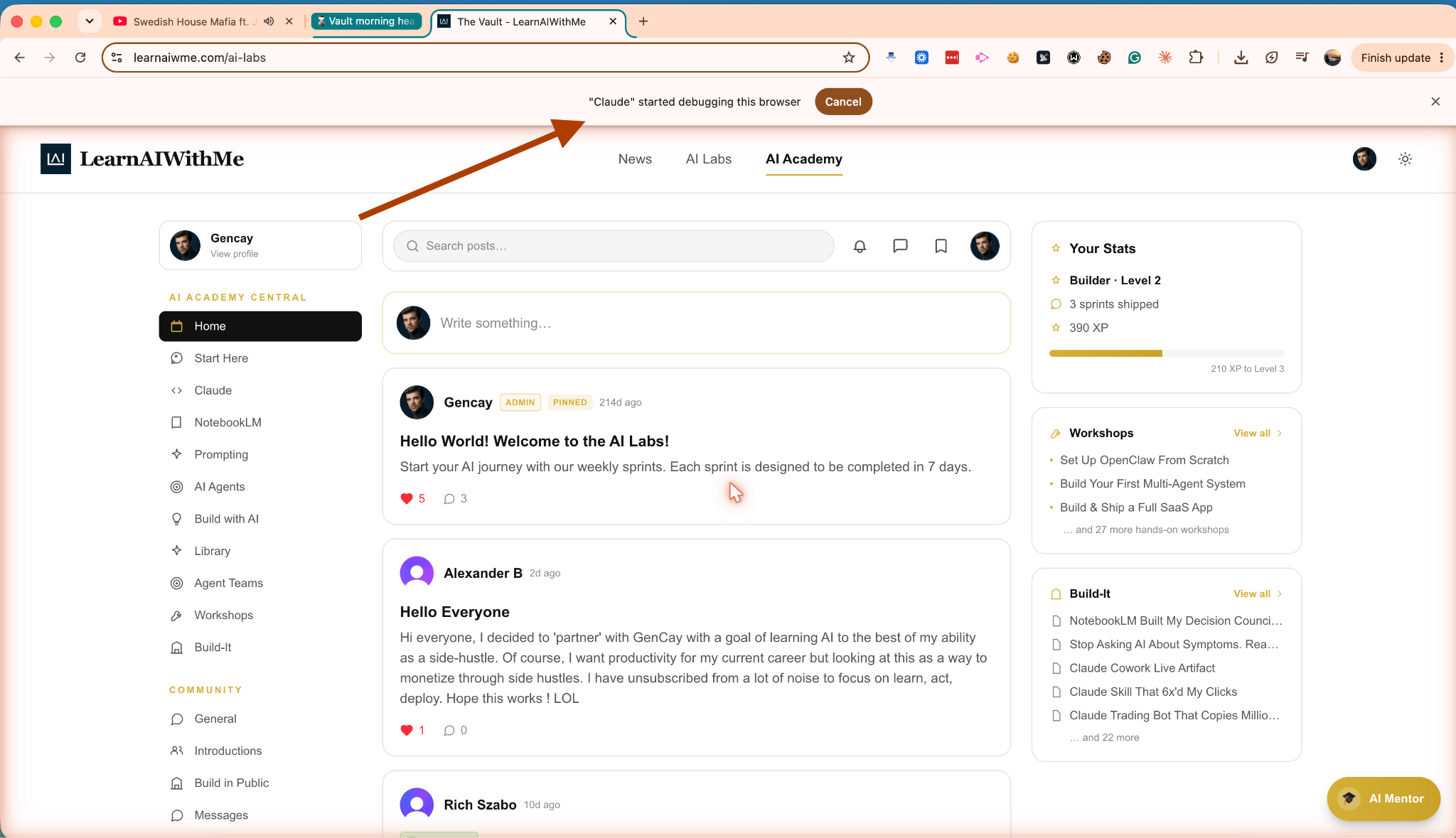
When I check Claude app, I see Claude took screenshots & analyzed the pages.
A couple of minutes later, I got this Slack message:
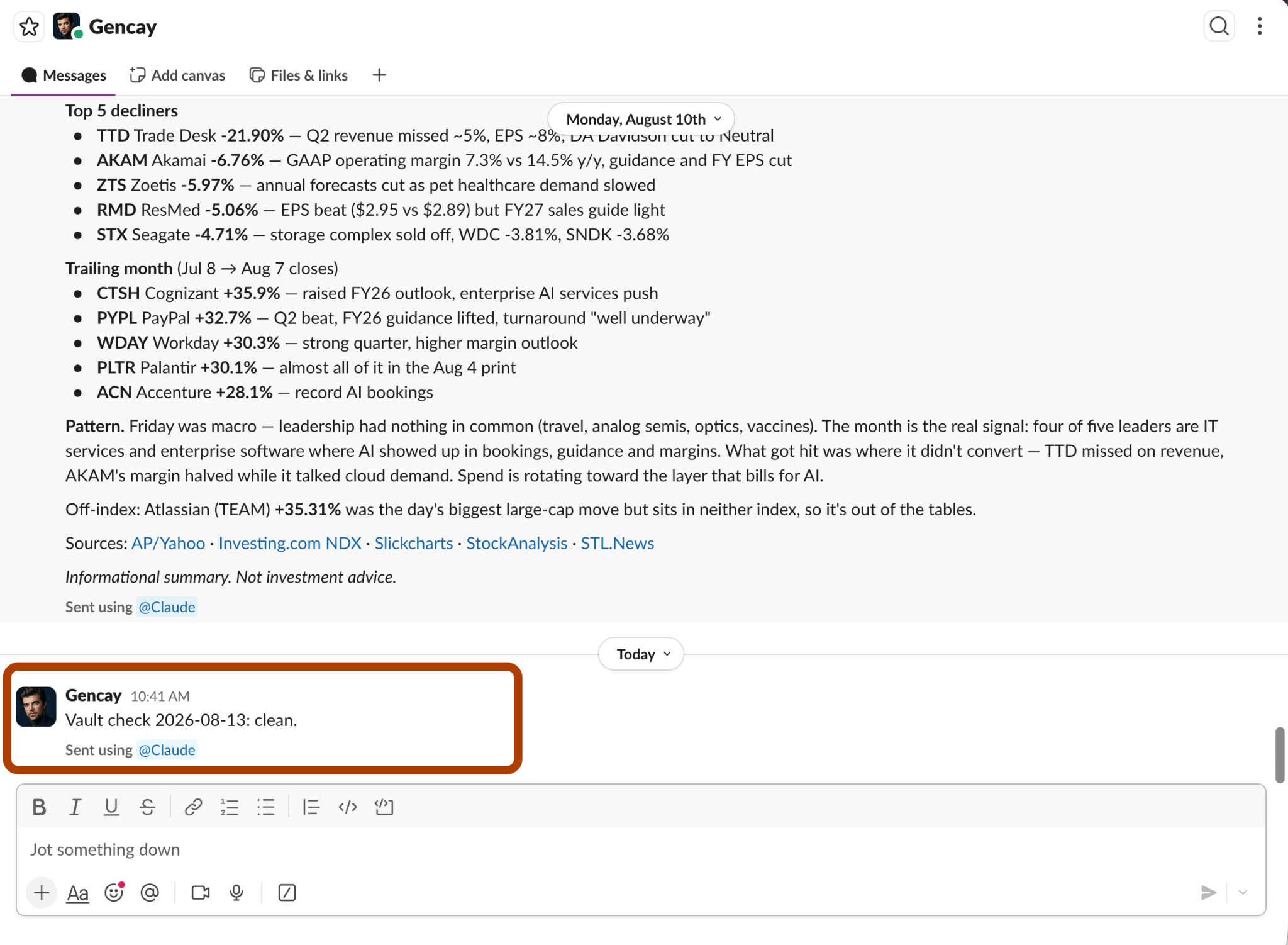
“Clean”, simple yet effective.
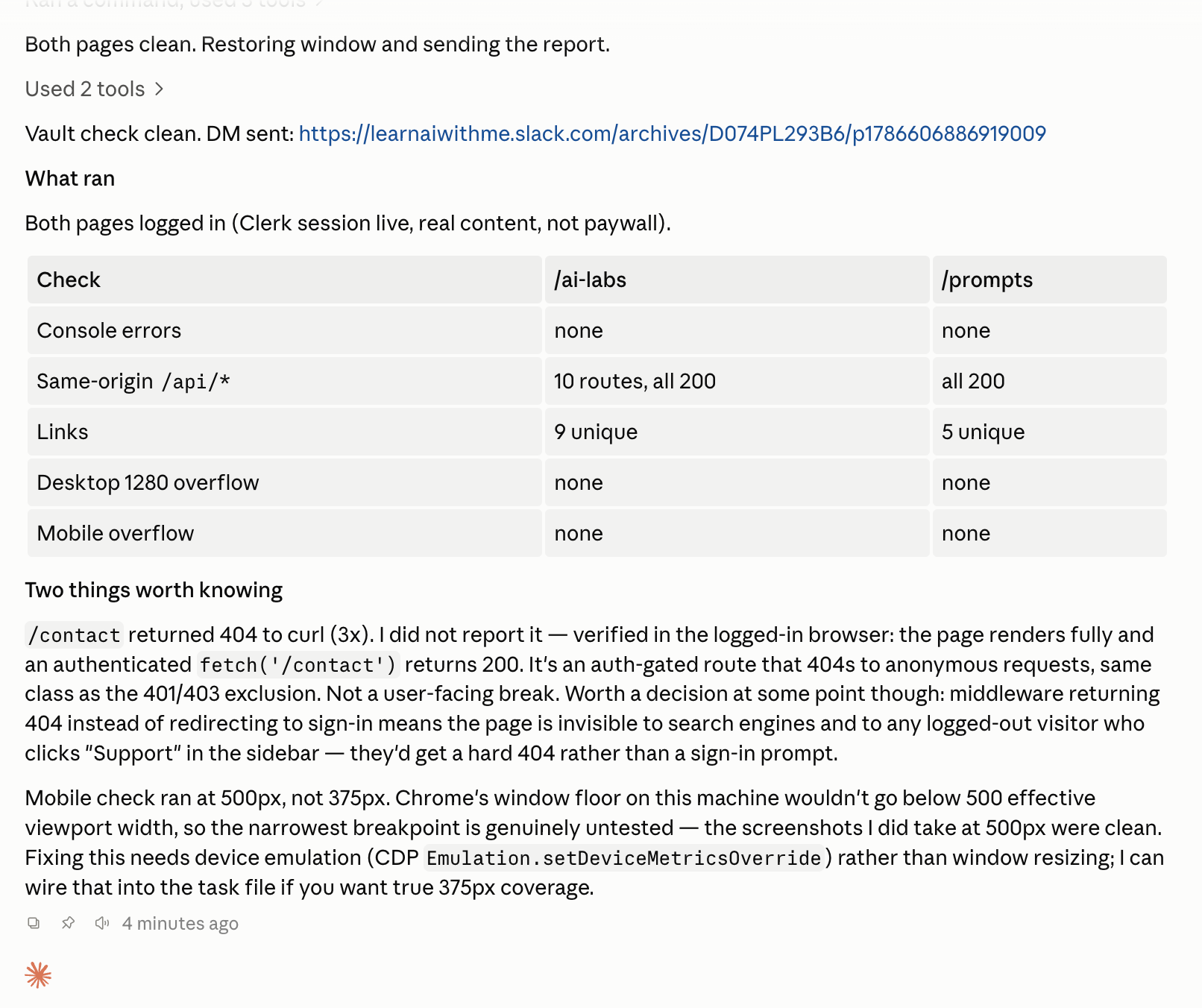
Here is a more detailed report:
§
Reminder: this is a teaser of the subscriber-only newsletter, exclusive to my golden members.
When you upgrade, you’ll get:
A complete Claude Code setup, from your first session to a fully automated one.
Deep dives into how MCP, subagents, agent orchestration & hooks actually work inside Claude Code.
How real Claude Code projects handle context, scale & running without you.
(If this newsletter has helped you become a better software engineer, consider subscribing to support my work.)