



Share this letter & I’ll send you some rewards for the referrals.
Claude Code is powerful from day one.
It reads your files, writes your code & runs your commands.
But everything it touches lives on your machine. And the real work rarely stays there. Your issues sit on GitHub, your tasks wait on Slack, and your data lives in Postgres.
This is why the natural next step is to reach them. And Claude Code gives you four doors into them. MCP servers, CLIs, plugins, and slash commands.
Let’s get started!
§
[Webinar] How to stop babysitting your agents (Partner)

Agents can generate code. Getting it right for your system, team conventions, and past decisions is the hard part. You end up wasting time and tokens in correction loops.
More MCPs give agents access to information but not understanding. The teams pulling ahead use a context layer to give agents exactly what they need.
Join live on Sep 23 (FREE) to see:
Where teams get stuck on the AI maturity curve
How a context layer solves for quality, efficiency, and cost
Live demo: the same coding task with and without a context layer
(Thanks to Unblocked for partnering on this newsletter.)
§
I want to introduce Gencay as the guest author.

He has been building with AI since ChatGPT first shipped in 2022.
For years, he built for clients on Upwork: 7,300+ hours of it.
Now he builds in the open and shares every piece of it on LearnAIWithMe, every Monday, Wednesday & Friday.
Not just theory for its own sake. One real build at a time, from idea to running system.
§
Here’s what you’ll find inside this newsletter:
The four ways Claude Code can reach beyond your local machine. MCP servers, CLIs, plugins, and slash commands, and why they solve different kinds of problems.
What MCP actually gives Claude Code access to. External apps, services, and data sources, plus the security risk that appears when you connect untrusted tools.
Why CLIs can sometimes be a better choice than MCP. The tradeoffs around setup, token usage, reliability, and when a direct command-line connection makes more sense.
What changes when Claude Code can use your browser. Browser automation, authenticated sessions, and a self-correcting workflow that can inspect a page, catch visual bugs, and keep iterating.
Where plugins and slash commands fit into the picture. What they bundle, what they can trigger, and how they compare with MCPs and CLIs when you need to choose the right connection method.
§
What MCP actually is
Model Context Protocol (MCP1) lets your AI (ChatGPT, Claude) connect to applications like Notion and/or Google Docs.
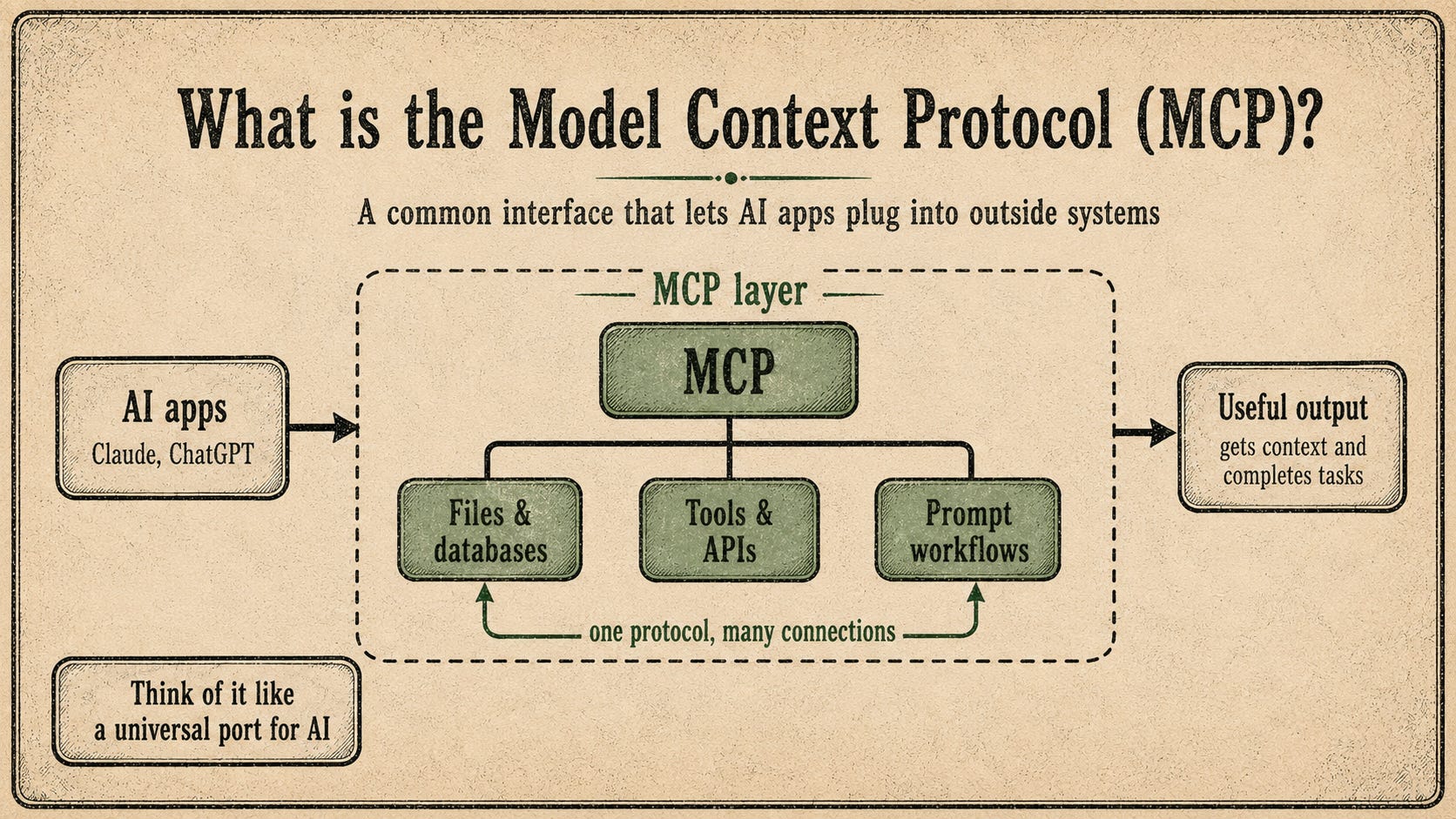
These tools make your AI feel like an assistant: instead of just answering you, it can affect the real world through connections.
Let me show you how to install your first MCP server…
§
Install your first MCP server
WARNING: Untrusted MCP servers & scraped web content can both carry prompt injection2, hidden instructions aimed at your agent.
Install only servers you trust, keep Manual mode on & read every approval before you click “yes”.
Once you trust the source:
Open your Claude app
Click “+”
Click “Connectors”
Click “Add connector”
Click “Browse Connectors”
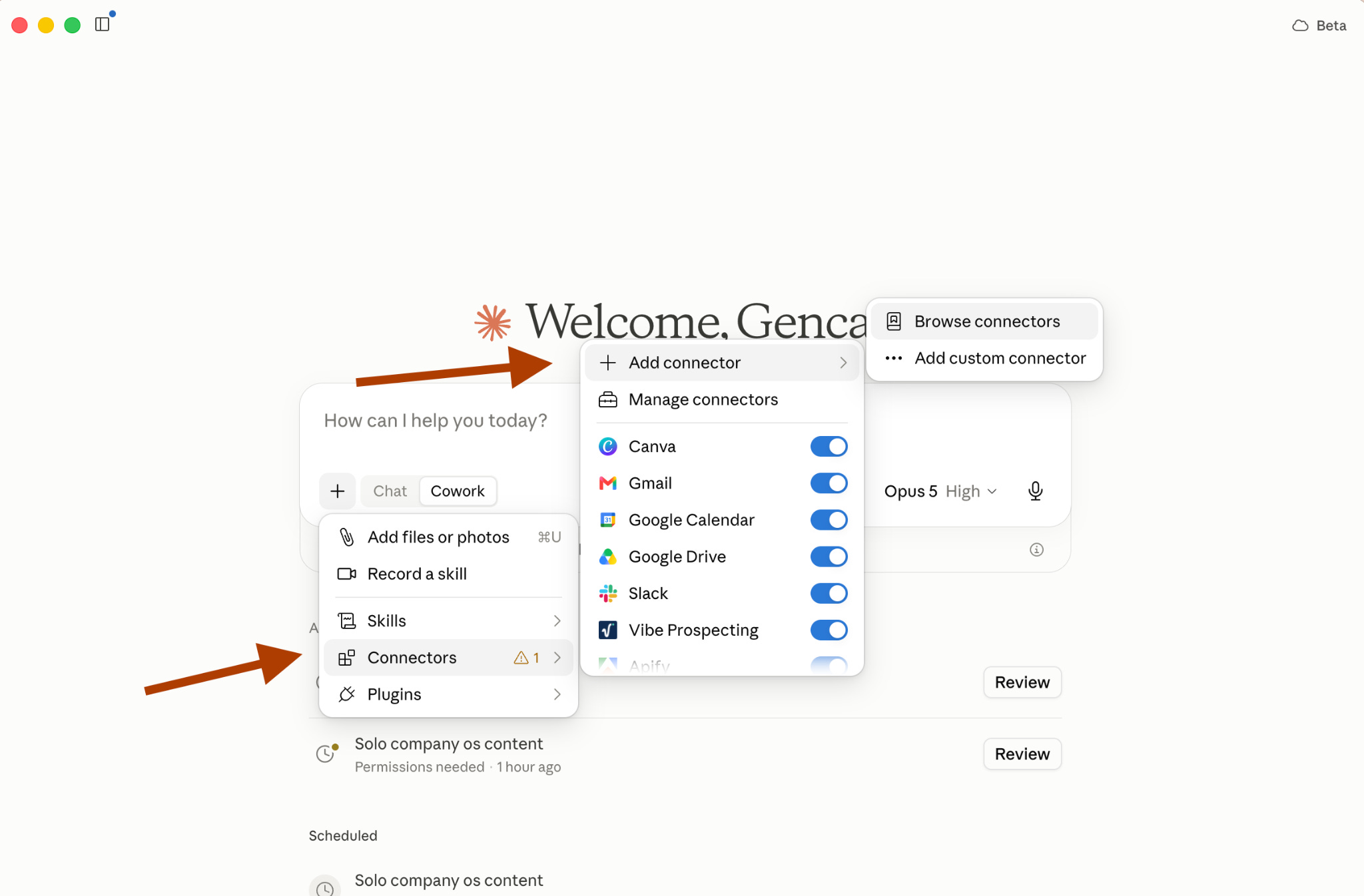
Next, choose from the list.
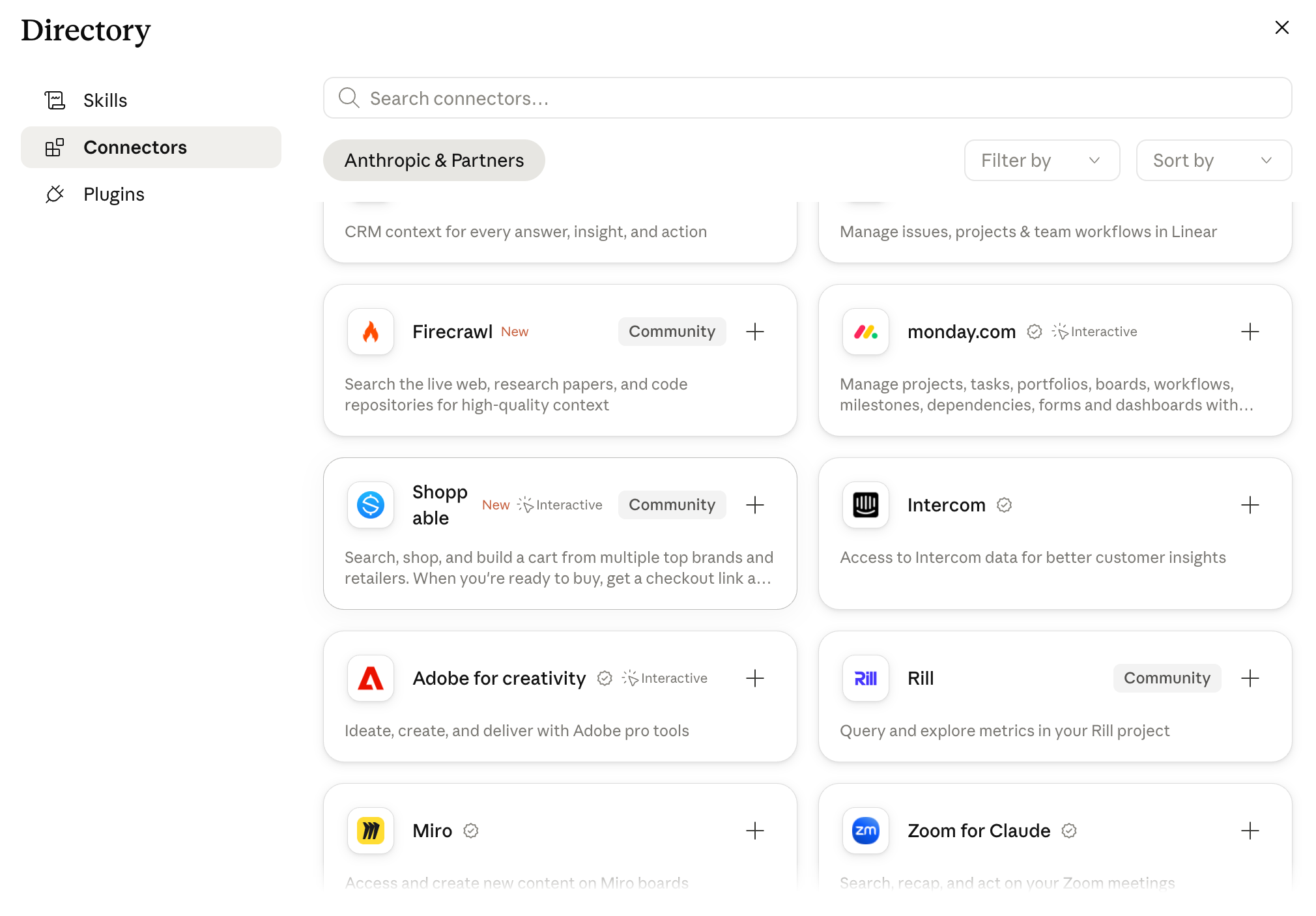
Most people connect Google Drive & Google Docs, which are very useful.
But let’s try something different…
I connected with Firecrawl3.
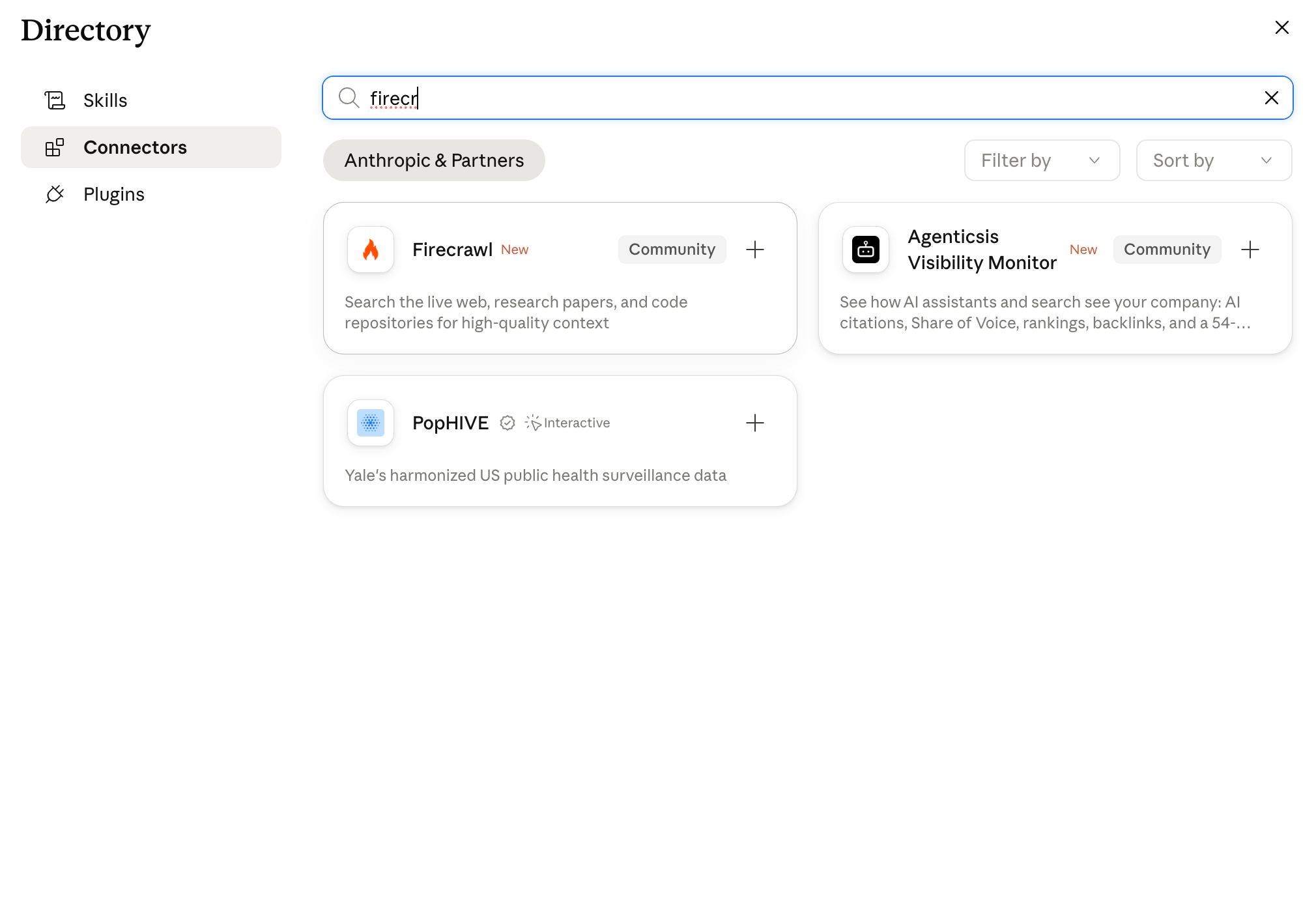
To connect with it, you need an account.
You can open it here.
(It has 1000 free credits each month.)
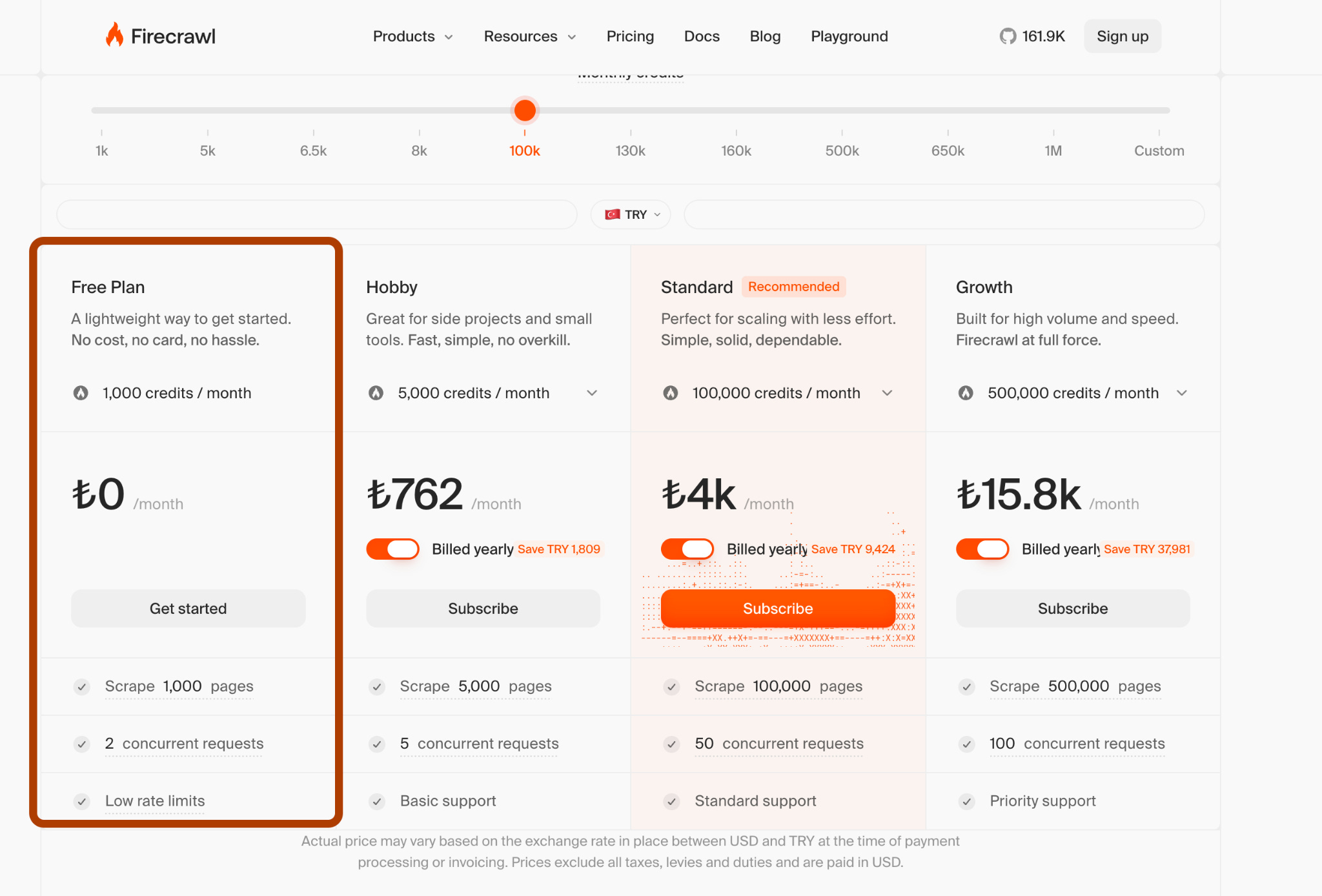
You’d think, why would I need a scraper when Claude can already open a webpage?
But Firecrawl does more than visit it. It crawls the entire page with all its elements.
Let’s test it…
Paste this prompt:
Use Firecrawl to extract everything from this page:
https://www.tesla.com/model3

Study its sections, content hierarchy, headlines, feature blocks, and calls to action.
Then use Claude Code to build a similar one-page landing page for an AI product,
named Grammar Doctor, with original branding, copy, and visuals.
By the way, Grammar Doctor is a grammar-fixing skill I built, so it deserves a landing page.
After pasting, it asks for my approval because the session runs in Manual mode, and every action waits for a yes.
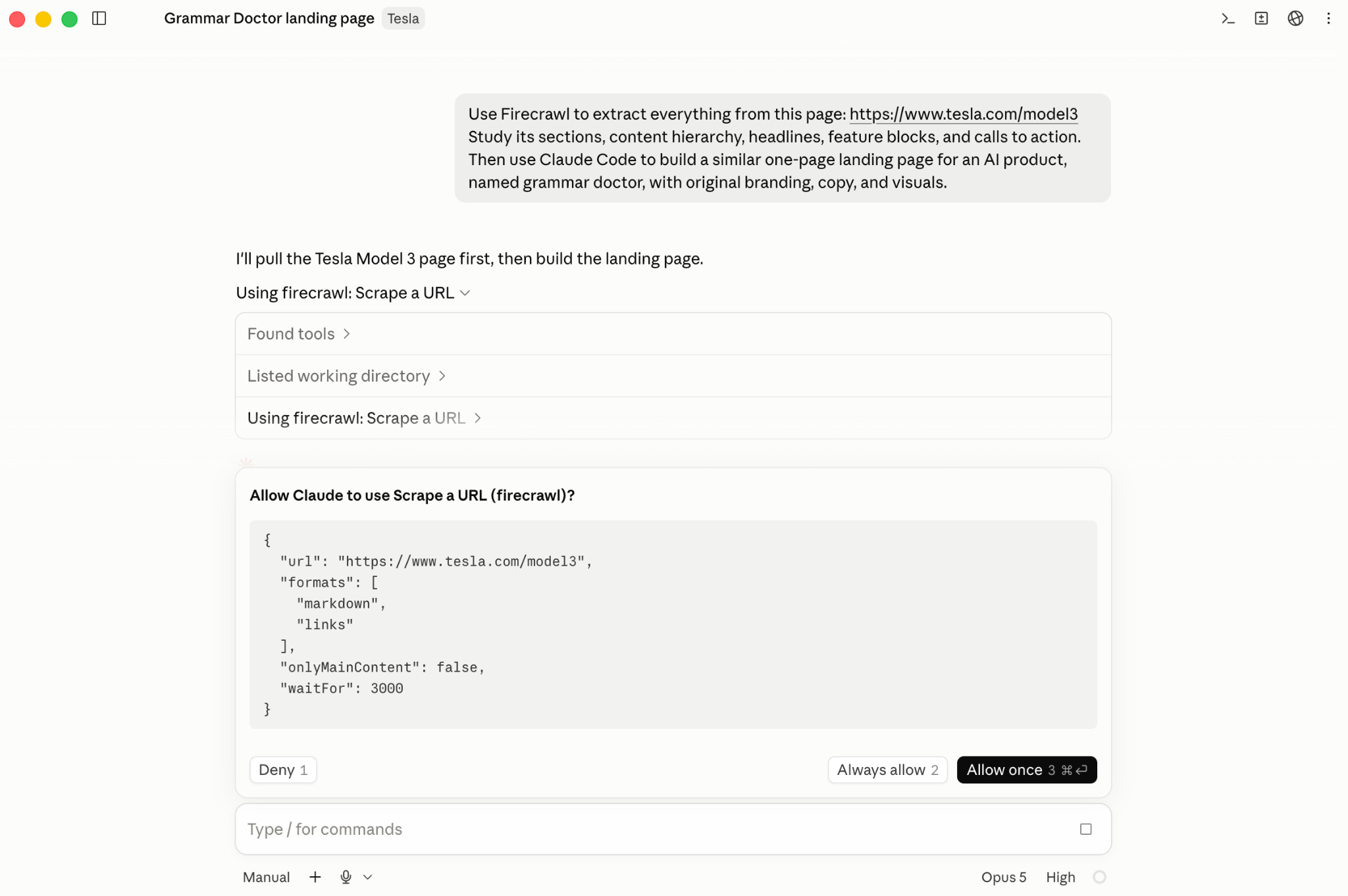
As you can see from the screenshot above, it started using Firecrawl, and that’s how it’ll scrape every element of the website.
And it saved the output inside tesla_md.txt
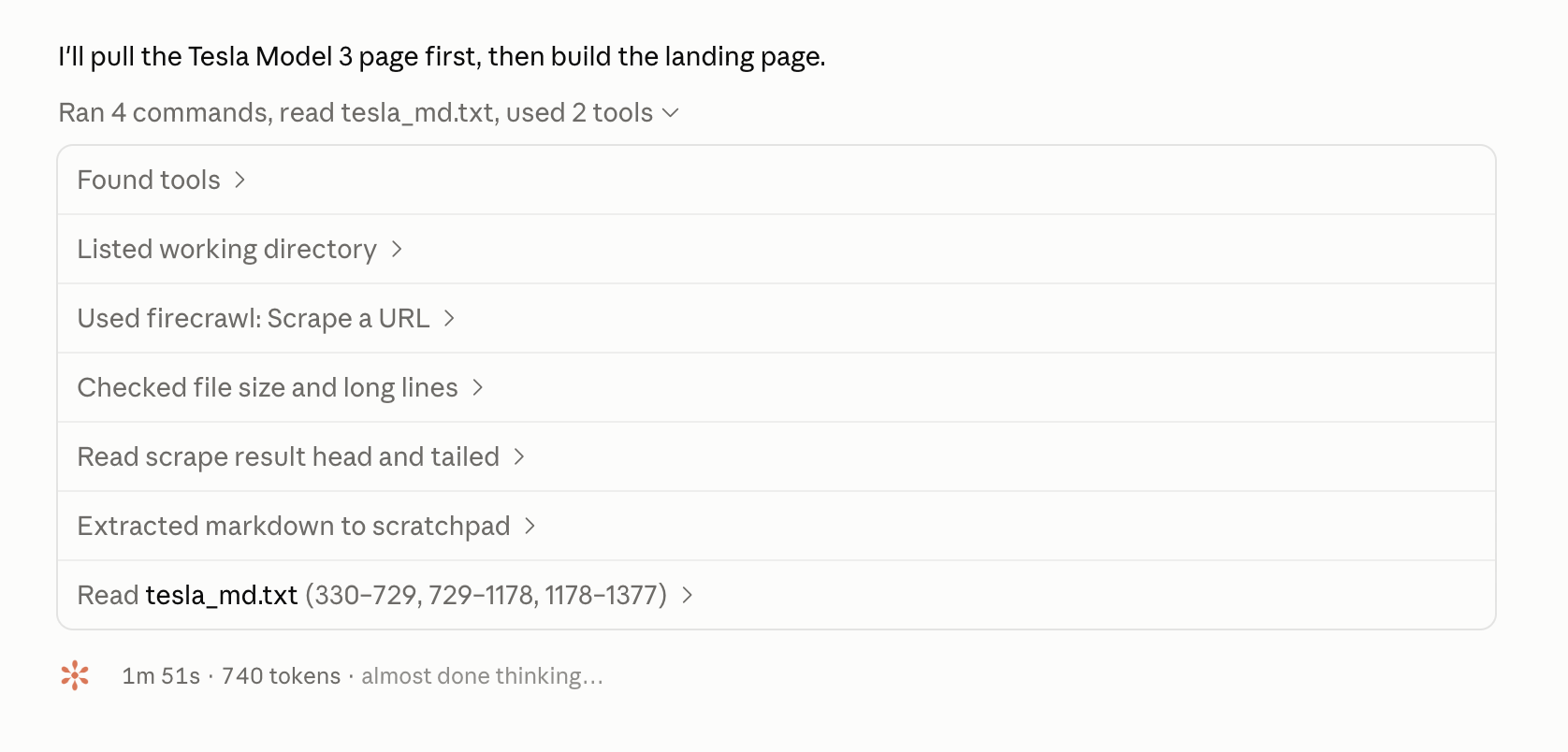
Next, before building, it reads this file.

After a few permission requests to create CSS files & 15 minutes, web page is ready.
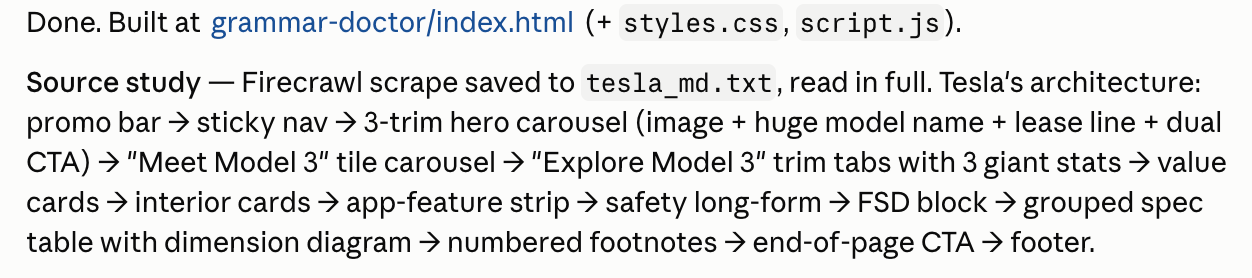
Let me show you the website it creates:
If you check Tesla’s website, you’ll see it looks very similar.
You can also try doing this with a regular web search.
But the output quality won't be the same.
Web search cannot scrape every element from the page and rebuild a website that is simple, effective & similar to Tesla’s.
§
§
CLIs, the faster way in
A command-line interface (CLI) lets you connect these tools through your command line, instead of connecting via MCP.
This is the older way, since engineers were wiring tools this way long before MCP existed. But for some use cases, like “unofficial” connections, it came back.
Since Claude Code lives in the terminal, it can easily connect to these apps.
And since MCP servers can consume more tokens and be harder to install, CLIs can offer a faster way in.
Let me show you with NotebookLM4…
It has no official MCP server/CLI, but an unofficial CLI called notebooklm-py exists. And it works quite well.
To install it, paste this prompt:
Install the notebooklm-py command-line interface from

https://github.com/teng-lin/notebooklm-py

and ping me when I need to authenticate.
After you authenticate, you can now connect to your NotebookLM through Claude Code.
I have NotebookLM, created using “Boris Cherny’s 30-minute tips”5 about Claude Code.
Now, let’s use the CLI & turn it into an infographic.
Open your Claude app & paste this prompt:
Here is my Notebook:

<paste your notebook’s link>

Use the NotebookLM CLI to create a handwritten-style infographic
summarizing these 30 minutes.
After pasting this, it connected to NotebookLM and started creating the infographic.
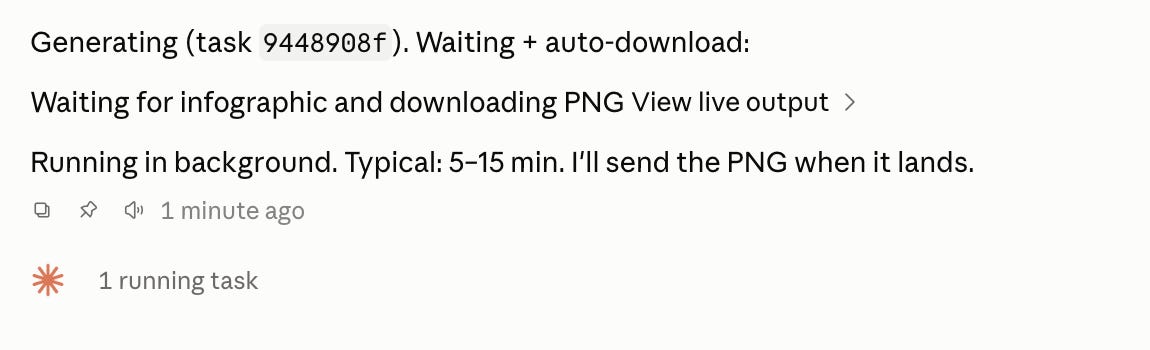
And now it is ready; let me show you the image:
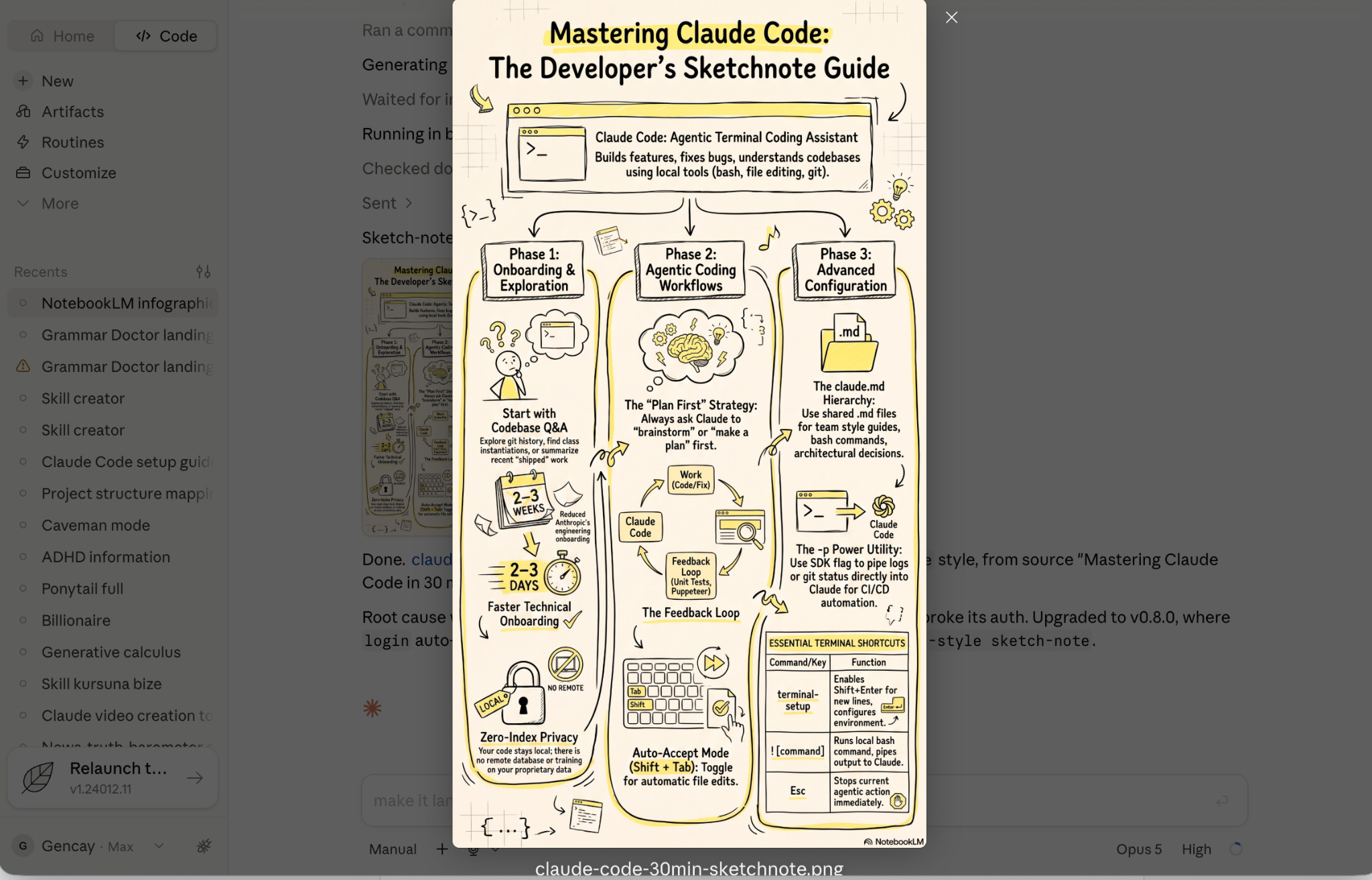
I did not even visit https://notebooklm.google/ once.
NotebookLM created this image after my prompt inside Claude Code.
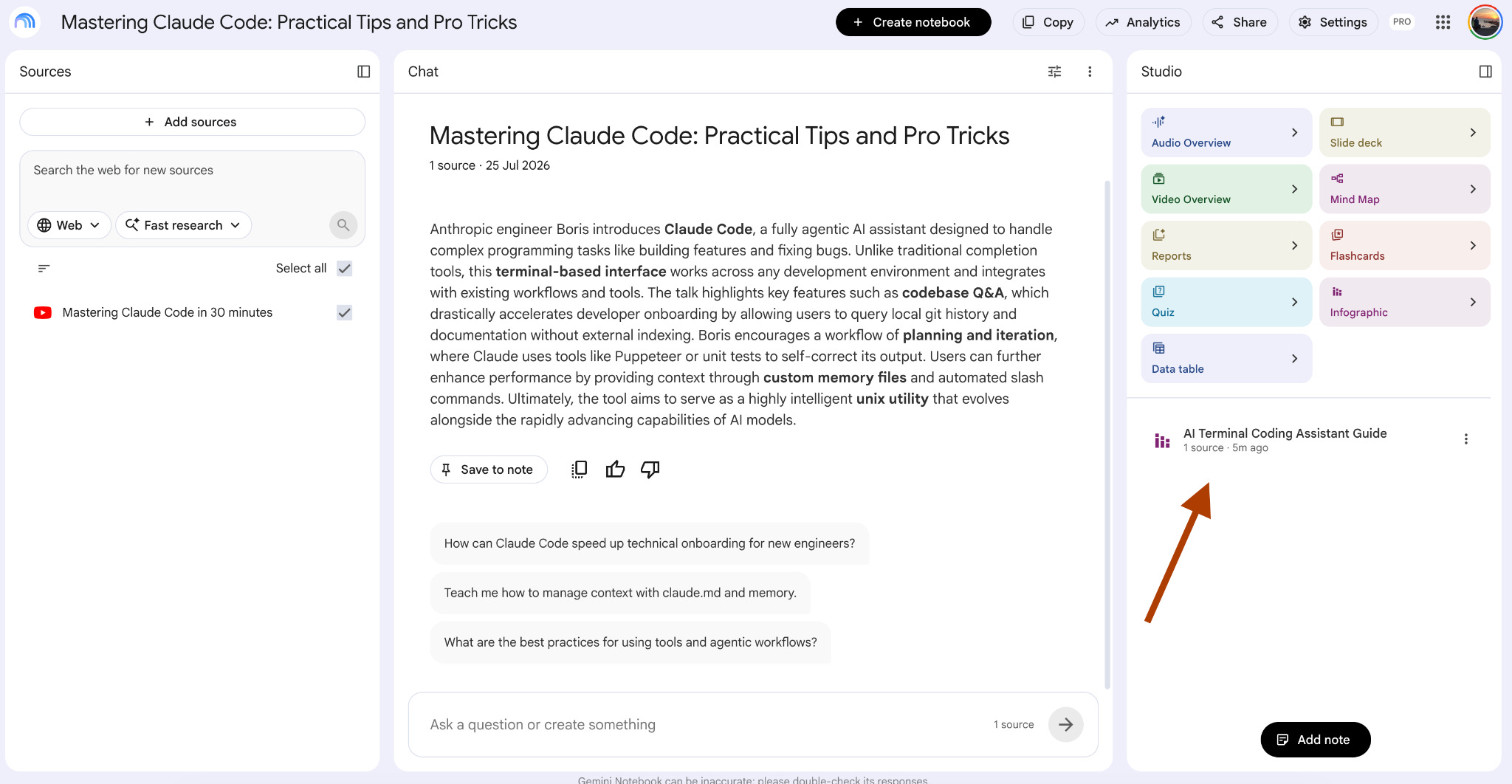
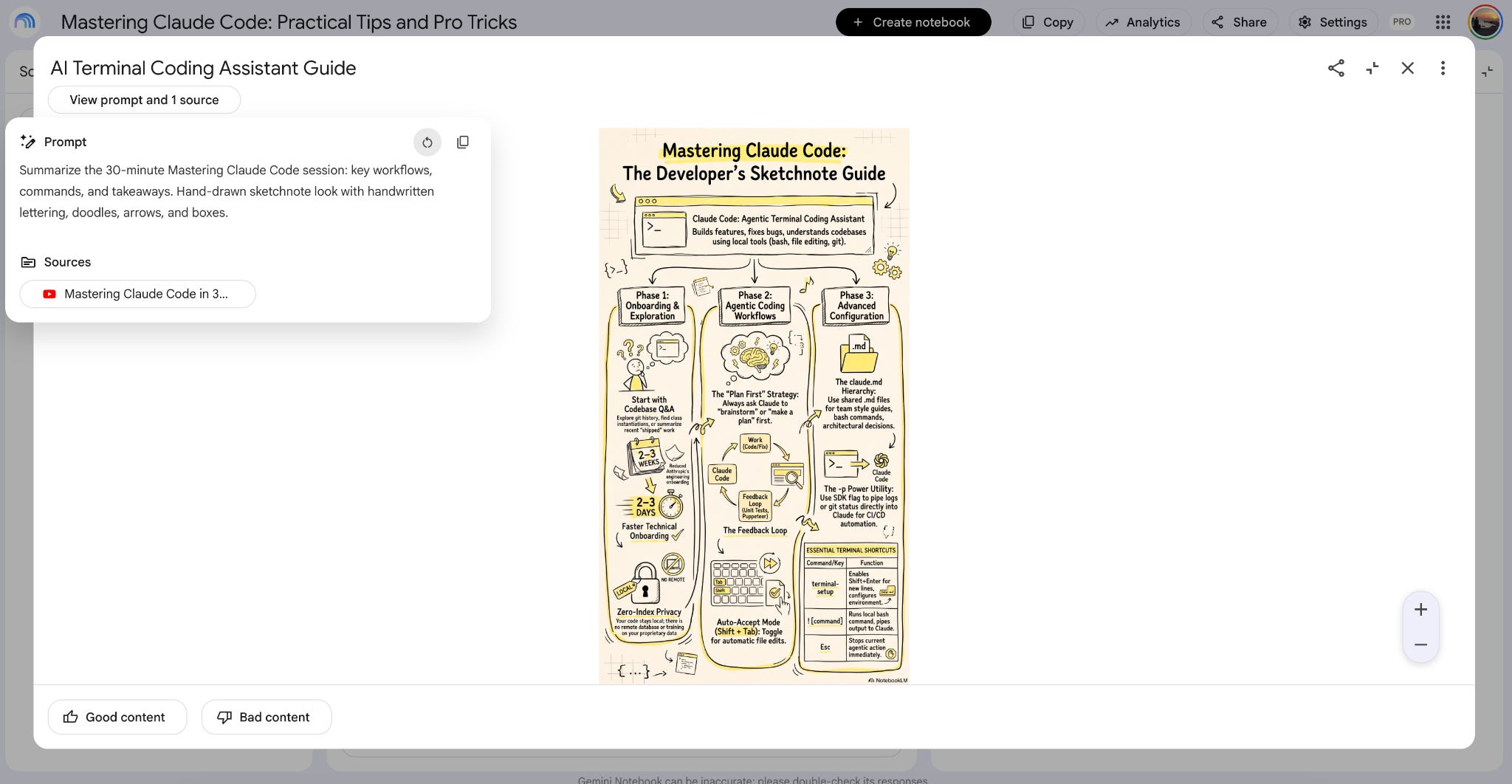
When I clicked it in NotebookLM, I saw Claude Code wrote a prompt after my description.
So NotebookLM generated the image like this.
But do you wonder how NotebookLM authentication works?
Claude opens the browser, lets me authenticate my account, and saves everything in a JSON file.
The next time it connects, it uses that file to access my account again.
Claude Code connects to the browser through browser automation6.
Now, let me show you more about how this works…
§
Reminder: this is a teaser of the subscriber-only newsletter, exclusive to my golden members.
When you upgrade, you’ll get:
A complete Claude Code setup, from your first session to a fully automated one.
Deep dives into how MCP, subagents, agent orchestration & hooks actually work inside Claude Code.
How real Claude Code projects handle context, scale & running without you.
(If this newsletter has helped you become a better software engineer, consider subscribing to support my work.)
