


Get my system design playbook for FREE on newsletter signup:
This post outlines the internal architecture of AWS S3. You will find references at the bottom of this page if you want to go deeper.
Share this post & I'll send you some rewards for the referrals.
Note: This post is based on my research and may differ from real-world implementation.
Once upon a time, there was an analytics startup.
They collect data from customer websites and store it in log files.
Yet they had only a few customers.
So a tiny storage server was enough.
But one morning they got a new customer with an extremely popular website.
And number of log files started to skyrocket.
Yet their storage server had only limited capacity.
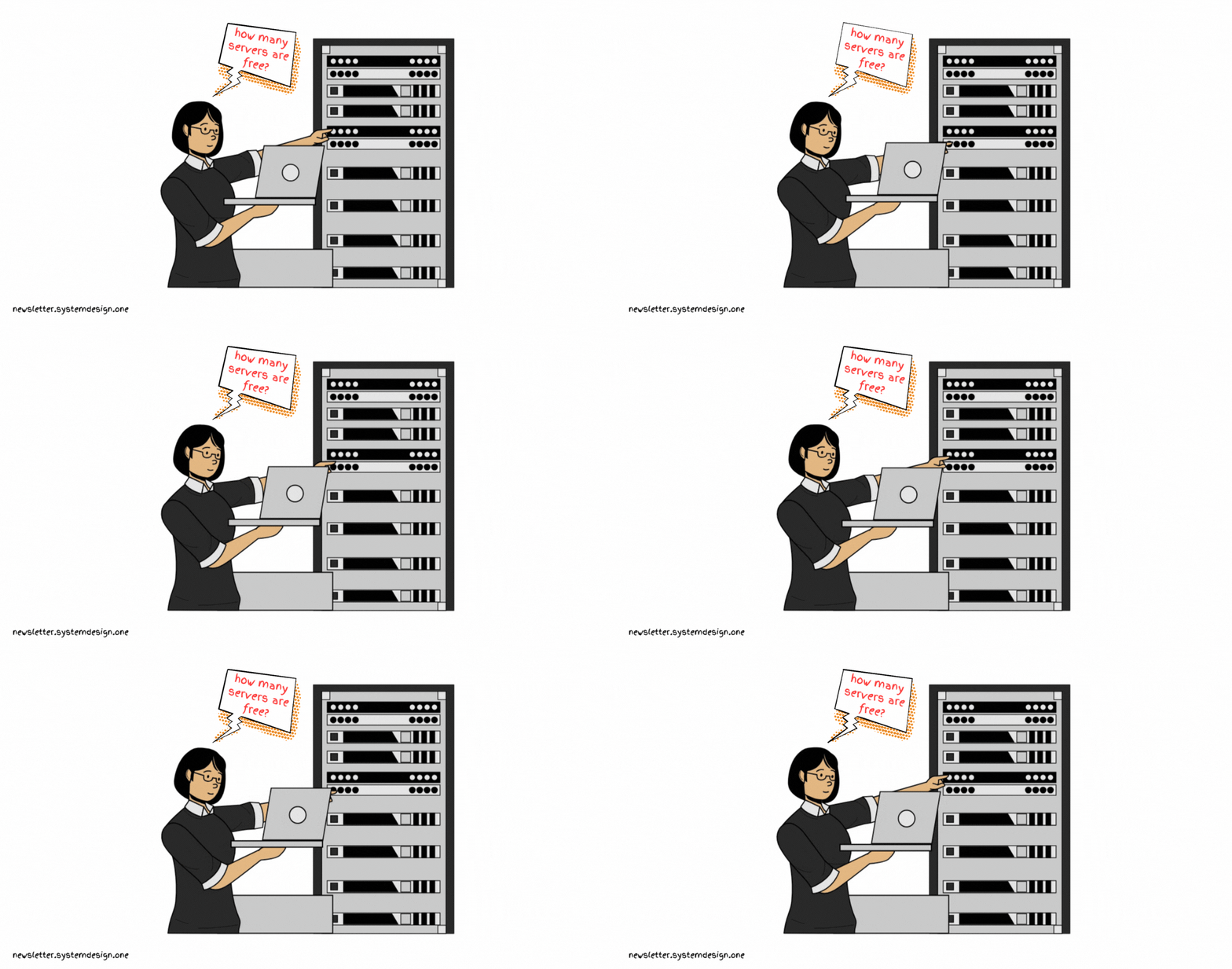
So they bought new hardware.
Although it temporarily solved their storage issues, there were newer problems.
Here are some of them:
1. Scalability
The storage server might become a capacity bottleneck over time.
While installation and maintenance of a larger storage server is expensive.
2. Performance
The storage server must be optimized for performance.
But they didn’t have the time and knowledge for it.
Onward.
Product for Engineers - Sponsor

Product for Engineers is PostHog’s newsletter dedicated to helping engineers improve their product skills. It features curated advice on building great products, lessons (and mistakes) from building PostHog, and research into the practices of top startups.
They wanted to ditch the storage management problem.
And focus only on product development.
So they moved to Amazon Simple Storage Service (S3) - an object storage.
It stores unstructured data without hierarchy.
And handle 100 million requests per second.
Yet having performance at scale is a hard problem.
So smart engineers at Amazon used simple ideas to solve it.
S3 Architecture
Here’s how S3 works:
1. Scalability

They provide REST API via the web server.
While metadata & file content are stored separately - it lets them scale easily.
They store the metadata of uploaded data objects in a key-value database. And cache it for high availability.
Each component in the above diagram consists of many microservices. While services interact with each other via API contracts.
Ready for the best part?
2. Performance
They store uploaded data in mechanical hard disks to reduce costs.
And organize data on the hard disk using ShardStore - it gives better performance. Think of ShardStore as a variant of log-structured merge (LSM) tree data structure.

A larger hard disk can store more data.
But seek & rotation times remain constant due to moving parts. So its throughput is the same as a small disk.
Put simply, a larger disk performs poorly in retrieving data.
Throughput means the amount of data transferred over time - measured in MB/s.
Imagine the seek time as time needed to move the head to a specific track on the disk.
Think of rotation time as the time needed for the head to reach a specific piece of data.
Also a single disk might become a hot spot if the data isn’t distributed uniformly across disks.
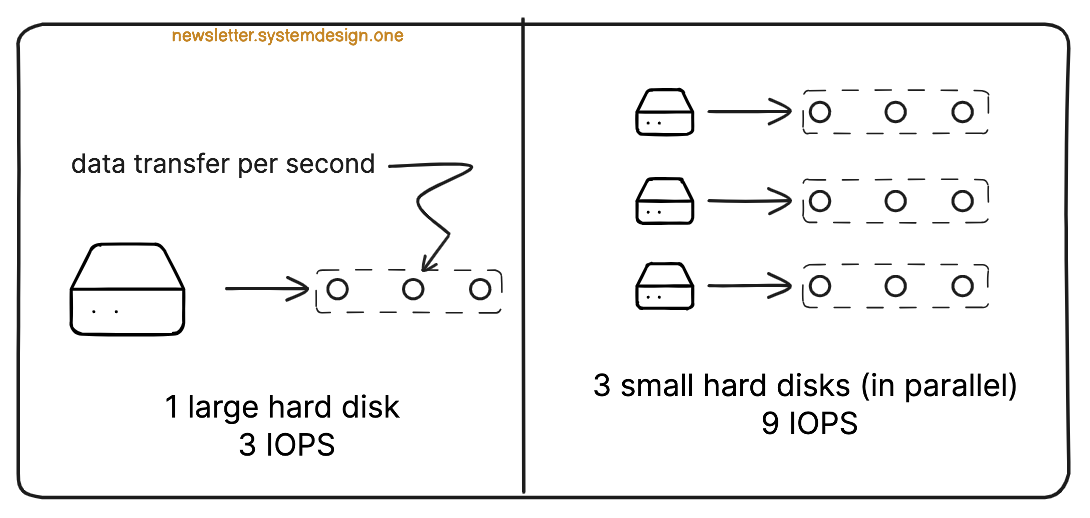
So they replicate data across many disks and do parallel reads - it gives higher throughput.
Besides the load on a specific disk is lower because data can be read from any disk. Thus preventing hot spots.
Yet full data replication is expensive from a storage perspective.

So they use erasure coding to replicate data.
Think of erasure coding as a technique to replicate data with a smaller storage overhead.
Here’s how it works: